1
CHAPTER 9. VIEWING AND EDITING SEQUENCES
102
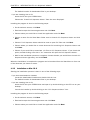
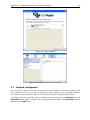
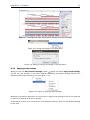
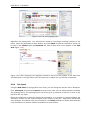
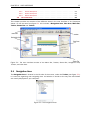
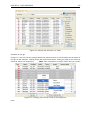
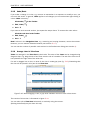
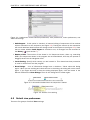
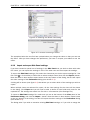
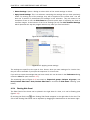
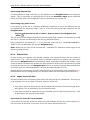
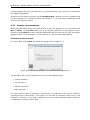
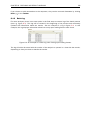
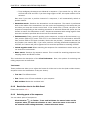
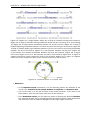
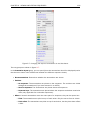
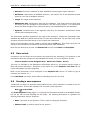
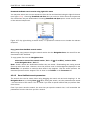
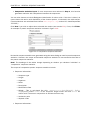
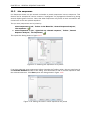
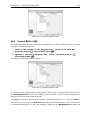
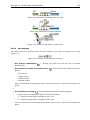
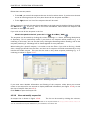
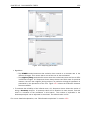
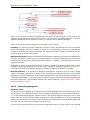
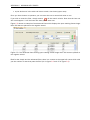
Figure 9.8: Browsing the gene annotations on a sequence.
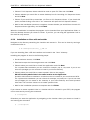
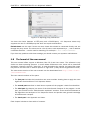
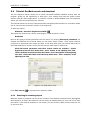
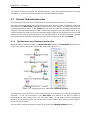
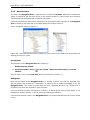
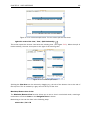
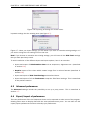
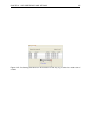
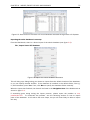
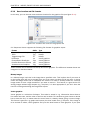
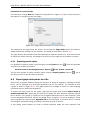
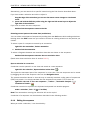
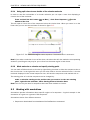
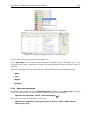
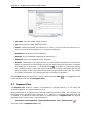
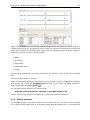
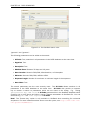
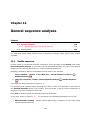
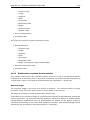
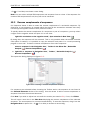
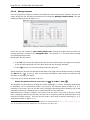
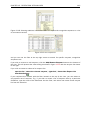
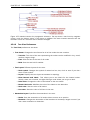
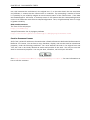
Figure 9.9: A table showing annotations on the sequence.
This will open a view similar to the one in figure 9.9).
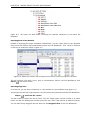
In the Side Panel you can show or hide individual annotation types in the table. E.g. if you
only wish to see "gene" annotations, de-select the other annotation types so that only "gene" is
selected.
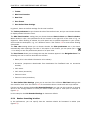
Each row in the table is an annotation which is represented with the following information:
• Name.
• Type.
• Region.
• Qualifiers.
9.3.2
Removing annotations
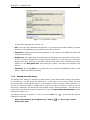
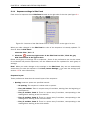
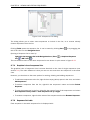
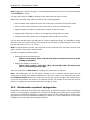
Annotations can be hidden using the Annotation Types preferences in the Side Panel to the right
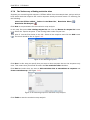
of the view (see section 9.3.1). In order to completely remove the annotation:
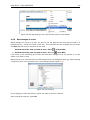
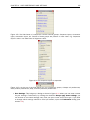
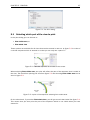
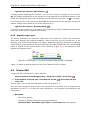
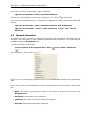
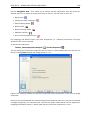
right-click the annotation | Delete | Delete Annotation (
)
If you want to remove all annotations of one type:
right-click an annotation of the type you want to remove | Delete | Delete Annotations of Type "type"