1
4/8 DVR Quick Start Guide
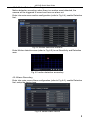
Enter into Trigger configuration, select alarm out and recording cameras and
linked PTZ; set Alarm out hold time and Buzzer hold time. Click OK to save
settings.
4.3 Playback
This unit supports live record playback, time search and event search. It
displays full or 4 screens in playback.
4.3.1 Live playback
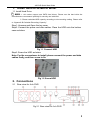
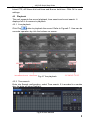
button to playback the record. Refer to Figure4-7. User can do
Click Play
concrete operation by click the buttons on screen.
Fig 4-7 live playback
4.3.2 Time search
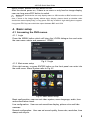
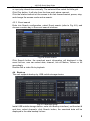
Enter into Search configuration, select Time search. If it recorded in a certain
day, the date will show highlight.
Fig 4-8 time search
7