1
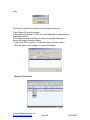
Hanging protocol layouts
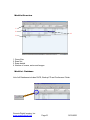
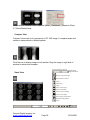
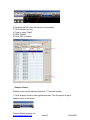
You can define series layout and image layout for each modality and OmniVue
Vet will display images according to configured layout for each modality
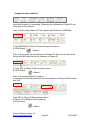
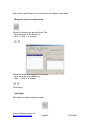
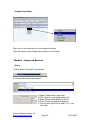
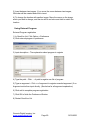
Change Series Layout
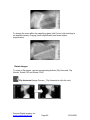
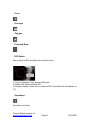
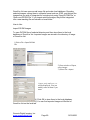
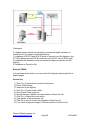
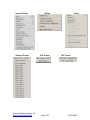
In OmniVue Vet, series layouts are defined as follows:
1 Series: Display only one series in the screen.
2 Series: Display two series in the screen. (1Row, 2Column)
4 Series: Display four series in the screen (2Row, 2Column)
2 Exams: Possible to display two exams in one monitor (1Row, 2Column)
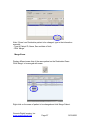
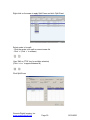
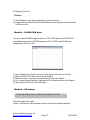
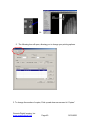
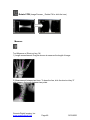
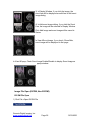
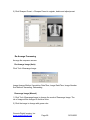
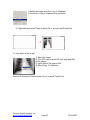
Change Image Layout
After selecting series layout, then you have to define image layout. But if you
select 1 series in the series layout option, image layout will be fixed by default
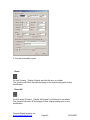
CR: You can define 1 by 1 to 2 by 2 layouts.
MR & CT: You can define 1 by 1 to 5 by 5 layouts.
US & OT: You can define 1 by 1 to 4 by 4 layouts.
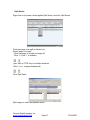
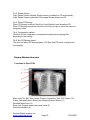
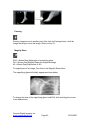
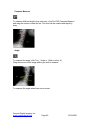
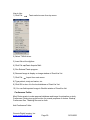
Default Image Layout
If you set 1series in series layout option, image layout option will be fixed default
layout
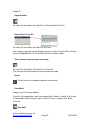
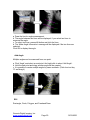
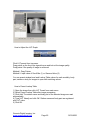
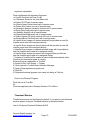
To use Multi Monitors, the features are as follows,
Genesis Digital Imaging, Inc.
www.genesisdigital.com
Page 82
12/19/2006