1
“PDF N MORE” Version 1.0 User’s Manual
4.3.
Formats Supported
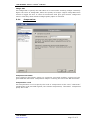
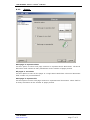
“PDF N MORE” supports popular Document and Image formats. You can create the files
of formats given below.
Document Formats:
1. P D F : Generate WYSIWYG PDF documents. For more details see topic “PDF
Format”.
2. H T M L : Generate WYSIWYG HTML documents. For more details see topic “HTML
Format”.
3. R T F : Generate WYSIWYG RTF documents. For more details see topic “RTF
Format”.
4. Excel: Generate good quality Excel documents. For more details see topic “Excel
Format”.
Image Formats:
1. J P E G : Generate optimized JPEG images. For more information see topic “JPEG
Format”.
2. B M P : Generate good quality Bitmap Images. For more information see topic
“BMP format”.
5. PDF Format
“PDF N MORE” supports PDF format. You can create file of PDF format.
5.1.
Feature Highlights
Save
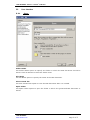
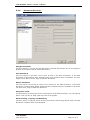
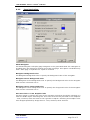
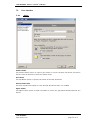
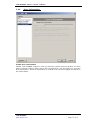
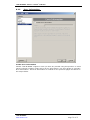
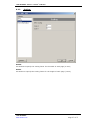
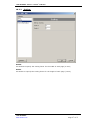
Using “PDF N MORE” you can create file of PDF format and save it. You have the option
of viewing the PDF file as soon as it is created. You also have the option of opening the
folder where the generated PDF files are stored.
Document Properties
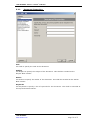
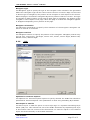
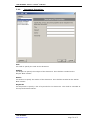
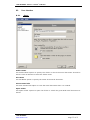
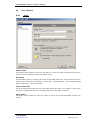
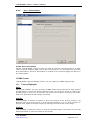
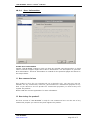
“PDF N MORE” provides option to include various document properties in the generated
PDF document. The Document Properties include Title, Subject, Author, and Keywords.
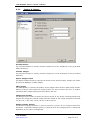
Images & Shapes
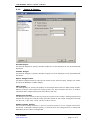
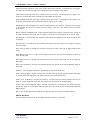
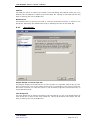
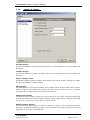
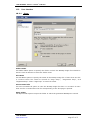
“PDF N MORE” provides option to include Images and Shapes in the generated PDF
document. Use Include Shapes option to specify whether shapes are to be displayed in
the generated PDF document. Use Include Images option to specify whether images are
to be displayed in the generated PDF document. Images can either be saved as Bitmap
or JPEG Images. You also have the option to change the quality of images by specifying
JPEG Quality and Image Pixel Format. Image quality can also be enhanced using the
Enhance Image Quality and Image DPI options. Normally higher the value of Image
DPI, better the quality of images. Higher Image DPI value results in bigger file size.
Compression
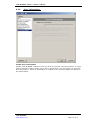
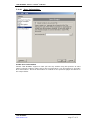
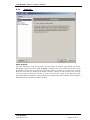
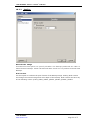
“PDF N MORE” provides option to compress Text and Graphic contents of the generated
PDF document. Compression helps in reducing the size of the PDF document. Use
Compression Level to specify the level of compression to be used.
Font Embedding
“ P D F N M O R E ” c a n e m b e d T r u e T y p e f o n t s in to the PDF document. When fonts are
embedded into a PDF document, the PDF viewers shall be able to display and print the
“PDF N MORE”
www.rarefind.com
Page
7 of 51