1
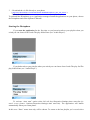
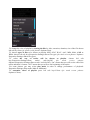
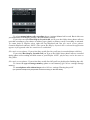
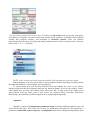
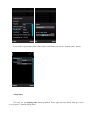
To change the view of playlist by sorting the files by title, extension, duration, size of the file choose
left soft key>Sort (for touch screen phones: Options>Sort).
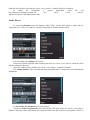
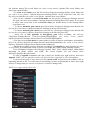
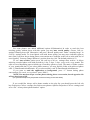
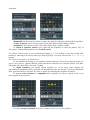
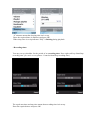
To choose types of files to be shown at playlist: MP3, OGG, WAV, AAC, MP4, M4A, AMR or
WMA choose left soft key>Properties>Settings>Show file types (for touch screen phones: Options>
Properties>Settings>Show file types).
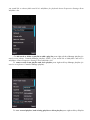
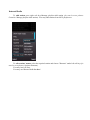
To select the way of tracks will be shown at playlist: choose left soft
key>Properties>Settings>Show
tracks’
end>On/Off
(for
touch
screen
phones:
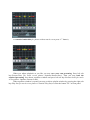
Options>Properties>Settings>Show tracks’ end>On/Off). “On” means that you will see the end of the
tracks and theirs’ formats. “Off” means that you will see the beginning of the tracks.
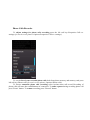
For some phones you may select play mode in order to change performance of playback:
Properties>Settings>Play mode>Main or additional.
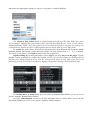
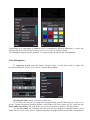
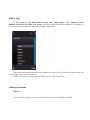
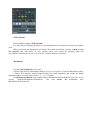
To customize colors of playlist press left soft key>Colors (for touch screen phones:
Options>Colors).