1
9.2. IMPORT/EXPORT
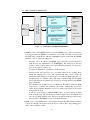
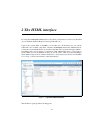
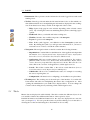
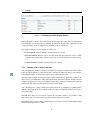
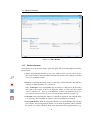
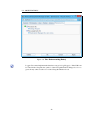
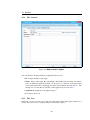
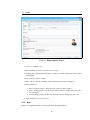
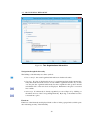
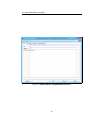
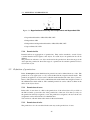
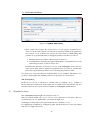
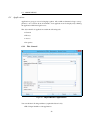
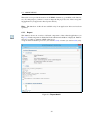
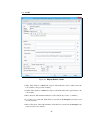
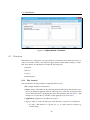
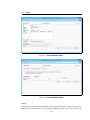
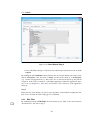
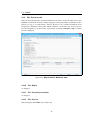
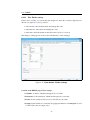
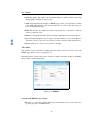
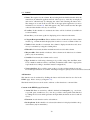
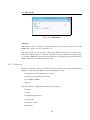
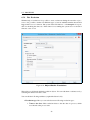
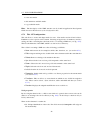
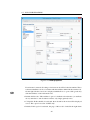
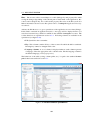
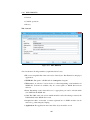
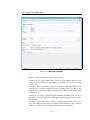
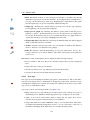
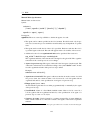
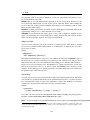
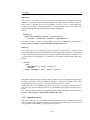
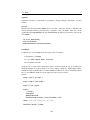
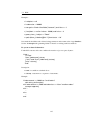
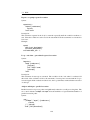
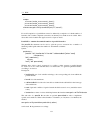
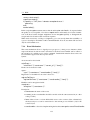
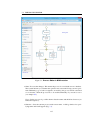
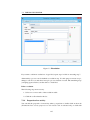
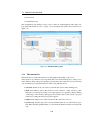
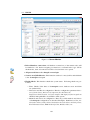
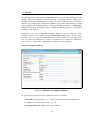
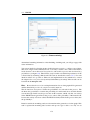
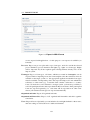
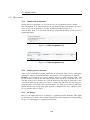
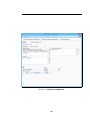
Figure 9.8: Export in XML–Format
are not exported with applications - for this purpose a own exporter is available (see
beneath).
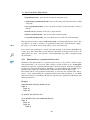
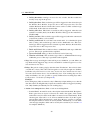
Processes Export one process plus tasks, steps, form types, and roles used in the selected
process definition, process interfaces and rights (e.g., rights on a form type). Rights
will be imported only if the required agents and departments already exist on the
import system.
Formtypes Export of form types. All forms, which was created in @enterprise, can be
exported. Before importing forms, the form templates and other references must be
available on the target system, i.e. the appropriate application with their form types
must be available. An important point is the export and import of forms which have
references to other forms (e.g. a customer-form contains a reference to a countryform). To ensure the correct references on target system, you have the possibility to
select all participated forms and export them in one form-cluster. If the participated
forms are exported separately (i.e. each form will be exported in an other formcluster), all referenced form types are exported automatically.
Organizational units Export all organizational units.
Organizational hierarchies Export of all organizational hierarchies and their organizational units.
Users Export all users. Optionally you can include roles and rights defined for these users,
and user settings as well as the users’ dashboard elements.
181