1
Kinetic Curves (Dispense/Read)
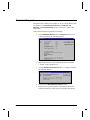
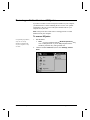
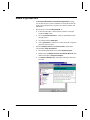
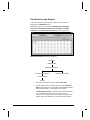
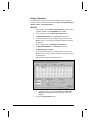
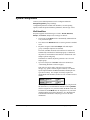
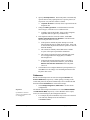
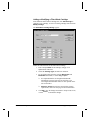
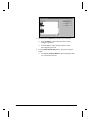
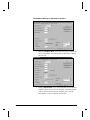
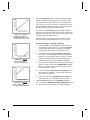
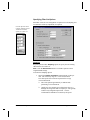
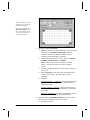
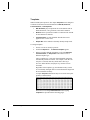
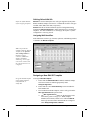
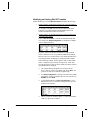
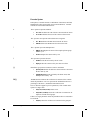
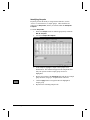
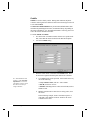
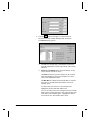
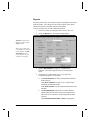
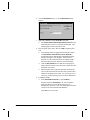
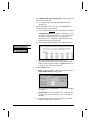
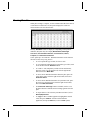
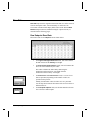
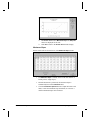
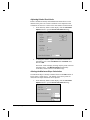
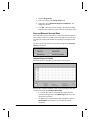
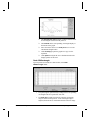
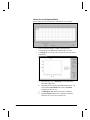
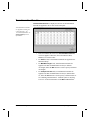
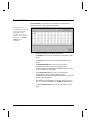
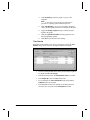
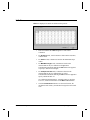
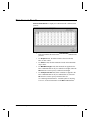
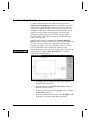
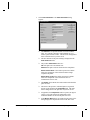
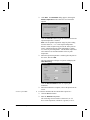
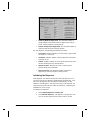
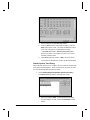
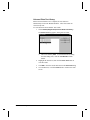
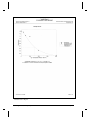
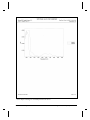
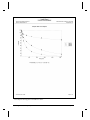
Kinetic read results are shown below, in the Kinetic Curve format:
•
Each well initially displays a graph of the data points
corresponding to the RFU/RLU readings taken over time.
•
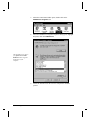
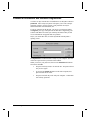
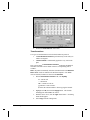
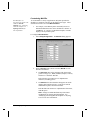
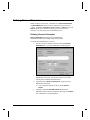
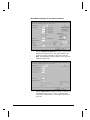
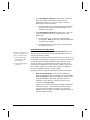
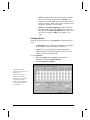
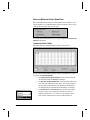
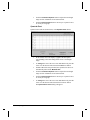
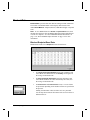
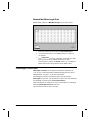
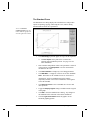
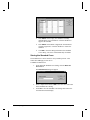
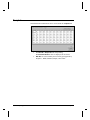
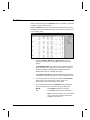
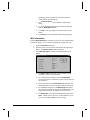
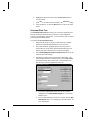
To enlarge the view of the curve in any well, click once on the
desired well.
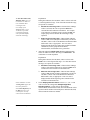
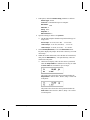
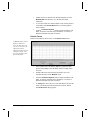
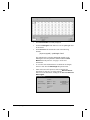
¾Place the cursor over a data point to see its RFU/RLU
value and reading Time.
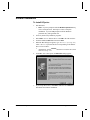
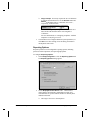
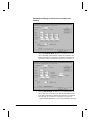
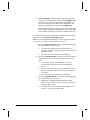
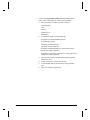
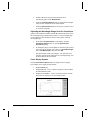
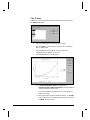
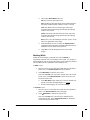
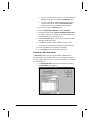
¾Depending on the current Dispense/Read parameters, you
can adjust the X Axis Scale and/or select an Interval
(sampling window) to view.
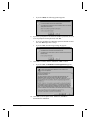
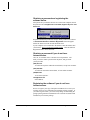
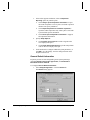
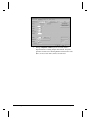
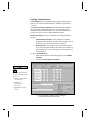
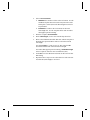
¾A dotted green line indicates the start of a dispense.
¾A green triangle indicates that a dispense or dispenserelated activity occurred (well mode only).
User's Guide to KCjunior
Interpreting Results • 7-15