1
Chapter 8
Utilities Menu
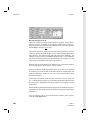
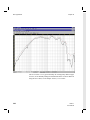
8.3 Export Graphics to File
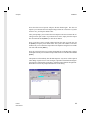
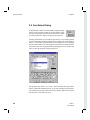
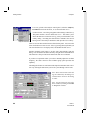
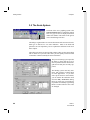
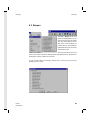
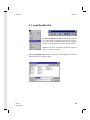
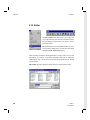
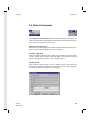
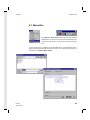
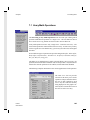
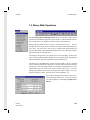
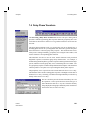
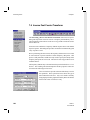
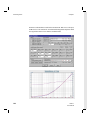
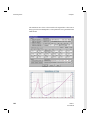
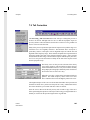
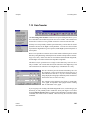
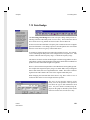
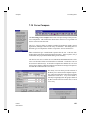
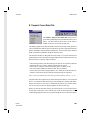
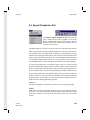
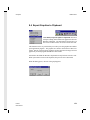
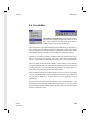
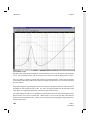
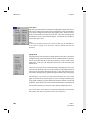
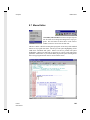
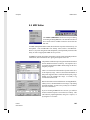
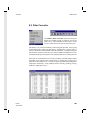
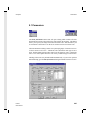
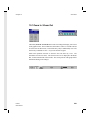
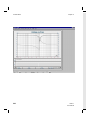
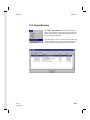
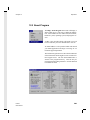
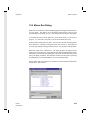
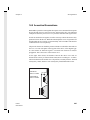
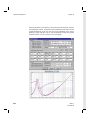
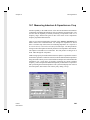
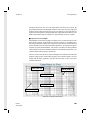
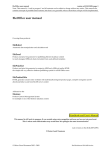
The Utilities | Export Graphics to File menu item will
open a dialog which produces graphical export of the
artwork from the graph window in the program. The tool
button as shown above on the Utilities toolbar can also be
used to activate this item.
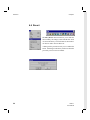
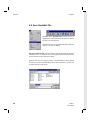
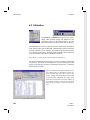
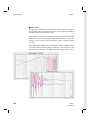
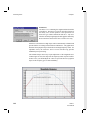
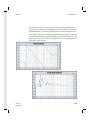
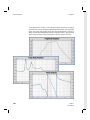
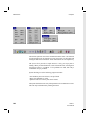
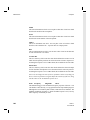
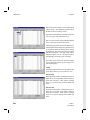
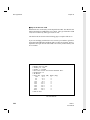
This dialog supports an extensive variety of both vector and raster image formats.
There are many different kinds of graphics applications. The type of file format to
use depends entirely on the application. Generally you will be opening or placing
the file in some other application program. Obviously a file format must be chosen
which is supported by the other program. The import capabilities of most programs
are constantly changing with each revision, so it is impossible to give any general
recommendations here. Please consult the documentation of the other program.
If your primary application is to embed the images as part of a word processing
document, then the EMF, WMF, and EPS formats are most commonly supported.
However using the EPS format generally requires printing to a PostScript printer to
obtain the full resolution. For non PostScript printing, use EMF or WMF formats.
If your primary application is for graphical editing, where you wish to modify the
graphics content, you will need to choose a format that your drawing or illustration
program supports. This could be any of the formats. Please consult the documentation of the other drawing/illustration program.
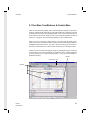
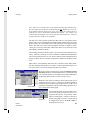
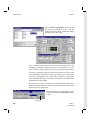
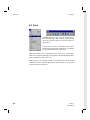
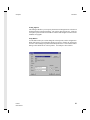
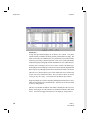
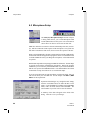
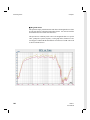
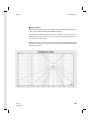
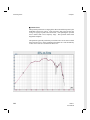
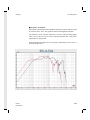
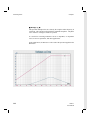
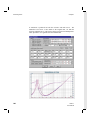
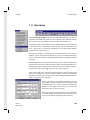
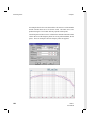
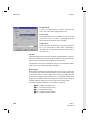
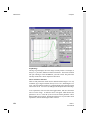
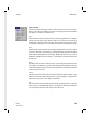
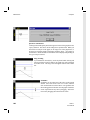
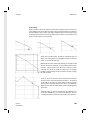
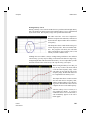
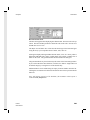
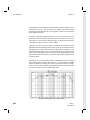
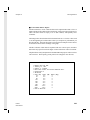
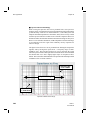
Artwork
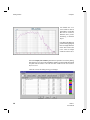
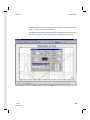
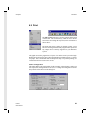
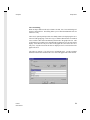
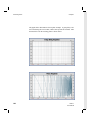
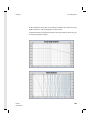
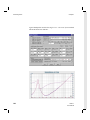
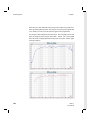
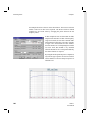
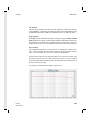
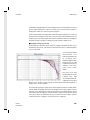
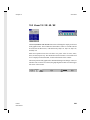
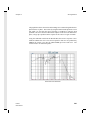
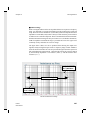
The name of the graph is shown here as the title above the grid on the graph.
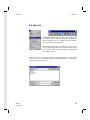
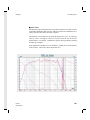
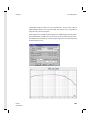
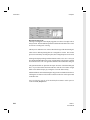
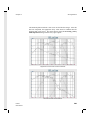
Format
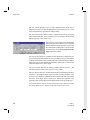
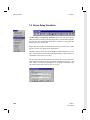
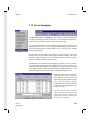
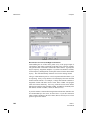
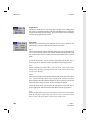
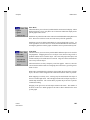
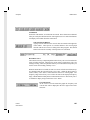
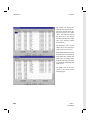
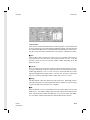
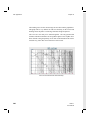
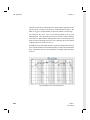
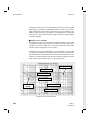
When Raster is selected, the format, resolution, color, and compression controls
will be active. The raster image data will also be displayed in the fields at the bottom
of the panel. When Vector is selected, the only active control is the vector format
list box.
LMS 4.1
User Manual
167