1
DataRoute voice User Manual
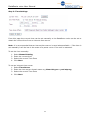
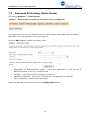
Step 2: Time Settings
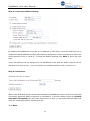
From this page the current time can be set manually or the DataRoute voice can be set to
obtain the correct time from an internet time server.
Note: it is recommended that an internet time server is used when available – if the time is
set manually it will be lost in the event of a power cut or if the unit is restarted.
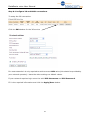
To set
1.
2.
3.
4.
the time manually:
Select Manual Setting
Enter the current time
Select the correct Time Zone
Click Next
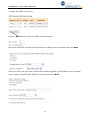
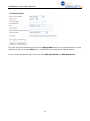
To use an internet time server:
1. Select Time Server
2. Enter the time server domain name e.g time.nist.gov or pool.ntp.org
3. Select the correct Time Zone
4. Click Next
13