1
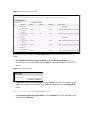
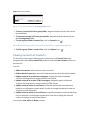
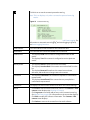
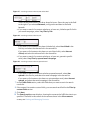
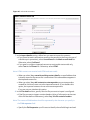
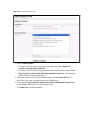
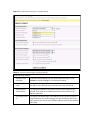
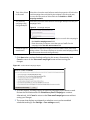
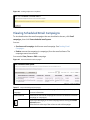
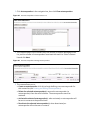
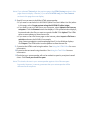
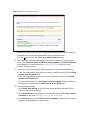
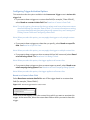
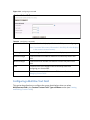
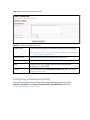
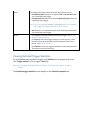
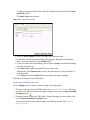
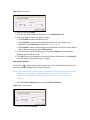
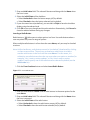
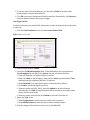
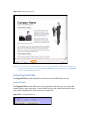
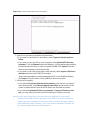
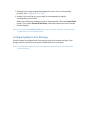
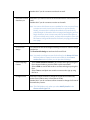
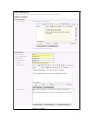
Figure 94 Sending a Split Test: Completed
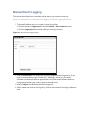
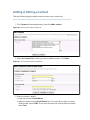
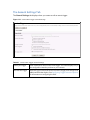
Viewing Scheduled Email Campaigns
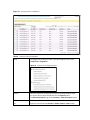
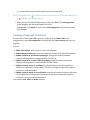
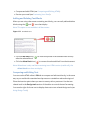
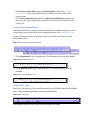
To view details about the email campaigns that are scheduled to be sent, click Email
campaigns, then click View scheduled email queue.
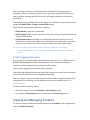
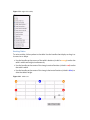
You can:
• Send an email campaign: build a new email campaign. See Sending Email
Campaigns.
• Delete: remove the campaign (or campaigns) from the email software. The
campaign cannot be retrieved.
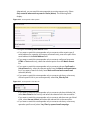
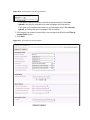
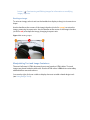
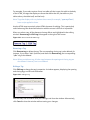
You can also View, Pause or Edit a campaign.
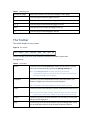
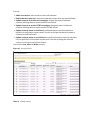
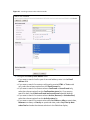
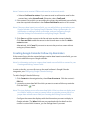
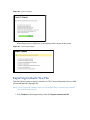
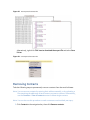
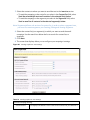
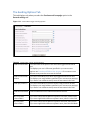
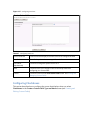
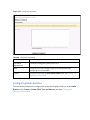
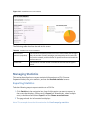
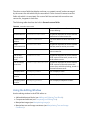
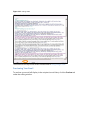
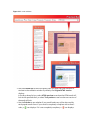
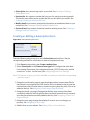
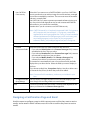
Figure 95 View Scheduled Email Campaigns
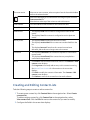
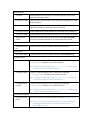
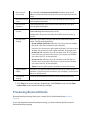
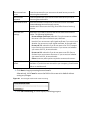
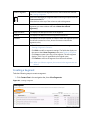
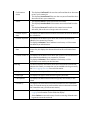
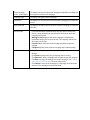
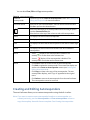
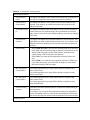
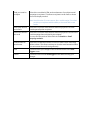
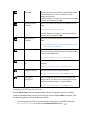
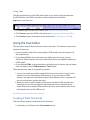
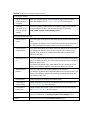
Table 17 View Scheduled Email Campaigns
Send an email
campaign
Click this to send a new email campaign. See Sending Email Campaigns
for more information.
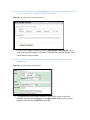
Delete selected
Select one or more email campaigns and click this to delete the selected
campaign (or campaigns).
Select a box belonging to an email campaign before clicking the Delete
selected button.
Select the box at the top of the column to select all campaigns.