1
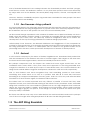
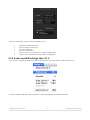
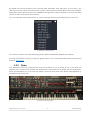
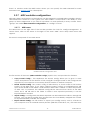
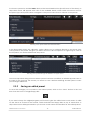
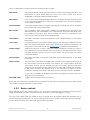
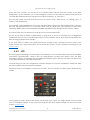
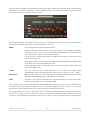
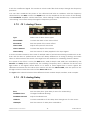
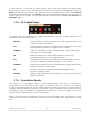
To choose a preset in another bank, click on the Preset Bank button (the left-most of the three). A
drop-down menu will appear with a list of the available banks, within which sub-menus exist for
the preset type and preset name. Navigate to the preset name level to choose a new preset.
Selecting a new preset inside the Preset Bank menu
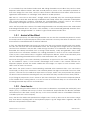
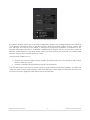
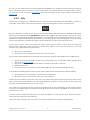
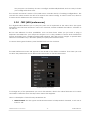
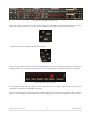
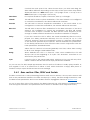
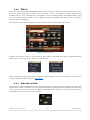
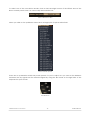
In the Preset Bank menu the “All Banks” option allows you to navigate directly to any preset type
or any preset in any bank. This gives you direct access to all of the presets of a given type, such as
the FX presets, no matter which bank they are in.
Selecting a new preset through the All Banks > All Types menus
One more important thing to know: When a preset has been modified, an asterisk appears next to
its name in the tool bar. This means you need to save it before selecting another preset or else
your changes will be lost.
3.3.2
Saving an edited preset
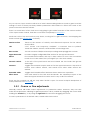
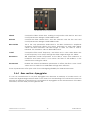
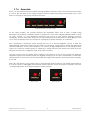
To save the changes you’ve made to the current preset, click on the “Save” button in the tool
bar. It has the icon of a single floppy disk:
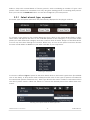
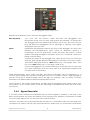
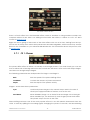
If you want to keep the original program you’ll need to give the edited one a new name. So click
on the “Save as” button in the tool bar, which looks like two floppy disks on top of each other. A
drop-down menu will appear and let you choose a new name and location for the edited preset.
ARTURIA SOLINA V User Manual
-22-
3 USER INTERFACE