1
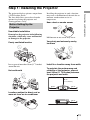
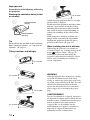
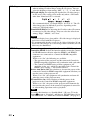
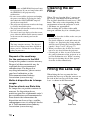
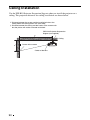
To adjust the tilt of the installation surface
If the projector is installed on an uneven surface, use the front feet (adjustable) to keep the
projector level.
Turn to adjust.
Front feet (adjustable)
Notes
• Pointing the projector at too high or too low of a tilt will result in trapezoidal distortion in the
projected image.
• Be careful not to catch your finger when turning the front feet (adjustable).
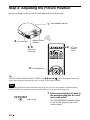
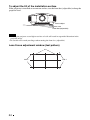
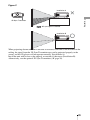
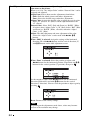
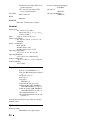
Lens Focus adjustment window (test pattern)
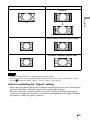
4:3
2.35:1
24
1.85:1