1
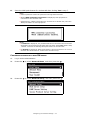
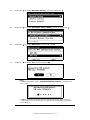
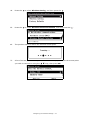
8.
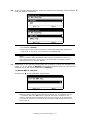
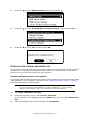
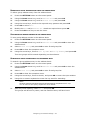
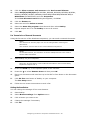
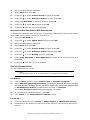
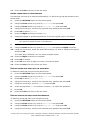
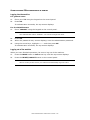
Enter the security password of the selected access point.
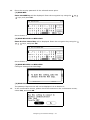
(1) With WEP
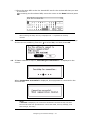
Enter the WEP key will be displayed. Enter the encryption key using the
keys, and press OK.
Go to Section 9
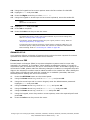
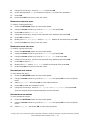
(2) With WPA-PSK or WPA2-PSK
Enter the Pre-shared key will be displayed. Enter the encryption key using the
keys, and press OK.
Go to Section 9
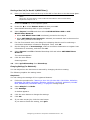
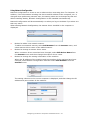
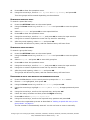
(3) With WPA-EAP or WPA2-EAP
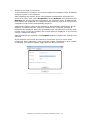
Configure settings from Web Page.
(4) With Disable
The password input screen will not be displayed. Go to Section 9.
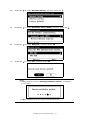
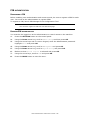
9.
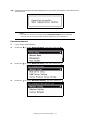
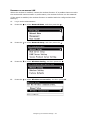
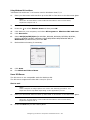
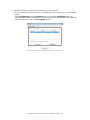
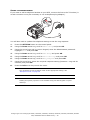
In the confirmation screen, please check the contents on the confirmation screen,
select Yes, and press OK.
Configuring the network settings > 16



































































![[Script Editor basics - v1.5] 700 KB](http://vs1.manualzilla.com/store/data/005726068_1-0a14f792b169a78eb7f0605403a4865d-150x150.png)