1
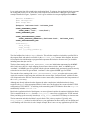
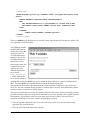
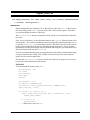
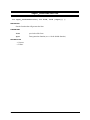
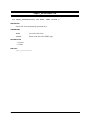
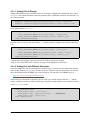
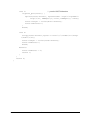
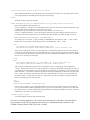
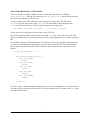
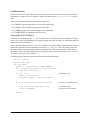
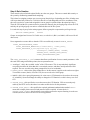
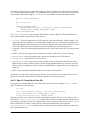
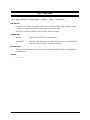
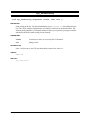
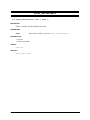
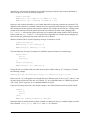
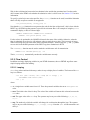
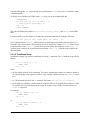
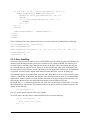
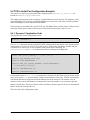
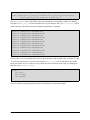
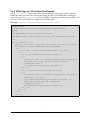
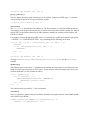
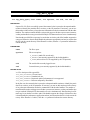
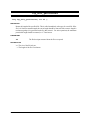
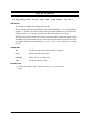
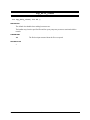
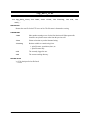
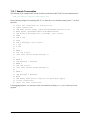
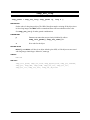
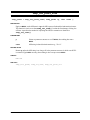
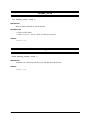
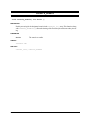
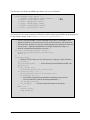
The second file, named hellowww.html is coded as follows:
<HTML>
<HEAD><TITLE>Hello, WWW</TITLE></HEAD>
<BODY><H1>Hello, WWW</H1></BODY></HTML>
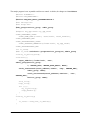
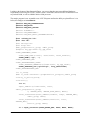
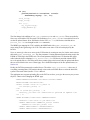
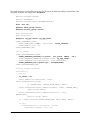
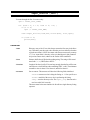
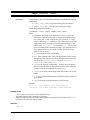
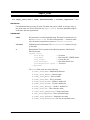
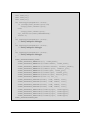
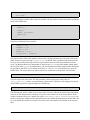
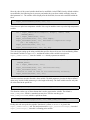
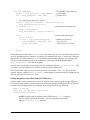
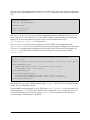
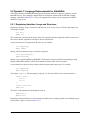
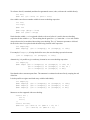
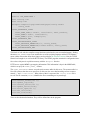
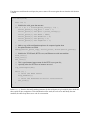
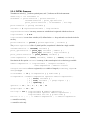
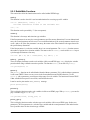
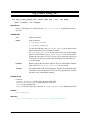
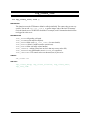
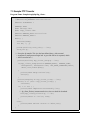
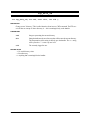
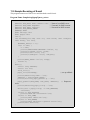
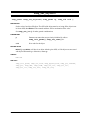
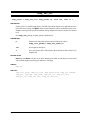
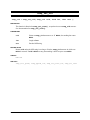
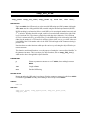
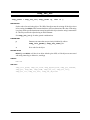
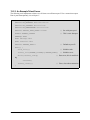
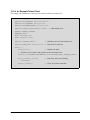
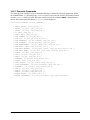
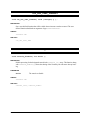
That’s all there is to it. However, there is actually a lot of activity going on beneath the covers. For a start,
the #use “dcrtcp.lib” directive and the TCPCONFIG macro definition bring in the TCP/IP networking suite
and configure it. Unless you have a private test network, you probably have to modify the default setting how to do that is beyond the scope of this chapter; it is described in volume 1 of the manual. The #use
“http.lib” statement is required in order to bring in the web server. The next lines down to the start of the
main() function are setting up tables that are consulted by the HTTP server and other libraries in order to
“do the right thing.” Finally, the main() function calls the necessary runtime initialization of the network
and the HTTP server. It then calls the HTTP server in an endless loop, which drives the entire system into
motion.
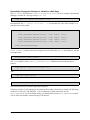
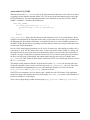
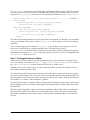
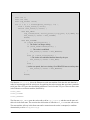
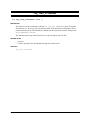
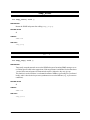
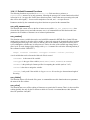
The .html file is ASCII text, in HTML syntax, which is transferred back to the browser when it is
requested. Apart from the server adding some header lines, the .html file is transferred verbatim. This
markup is merely telling the browser to display “Hello, WWW” as a 1st level heading, i.e., big bold text.
This is specified by the second line. The first line adds a title to the page, which most browsers display in
the window bar.
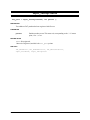
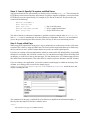
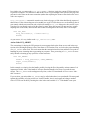
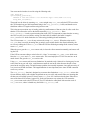
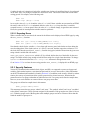
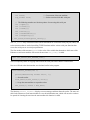
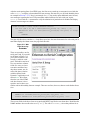
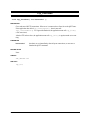
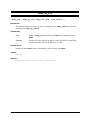
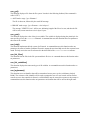
To see this web page on screen, the user needs to tell their browser what to get. If doing it manually, they
would need to enter something like “http://10.10.6.100/hellowww.html” in the browser’s URL entry field.
The browser strips off the http://10.10.6.100 part of it, and sends the rest to the specified host address
(10.10.6.100) using a TCP connection to port 80 (interpreted from the http:// part). The server gets the /hellowww.html part, which it knows about since it has a page of that name, and returns the contents of that
file as a response. The browser interprets the HTML it receives, and generates a nice visual rendition of
the contents.
TCP/IP Volume 2 User’s Manual
rabbit.com
10