1
CubeSuite+ V1.03.00
APPENDIX A WINDOW REFERENCE
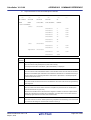
Open dialog box
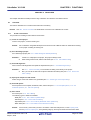
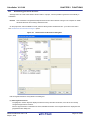
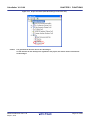
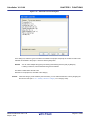
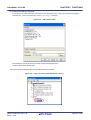
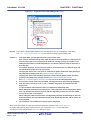
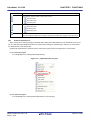
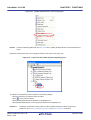
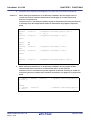
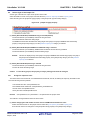
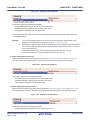
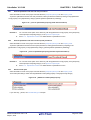
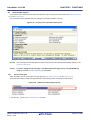
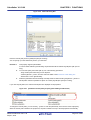
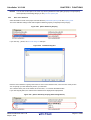
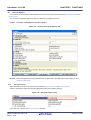
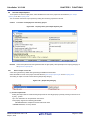
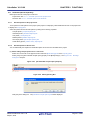
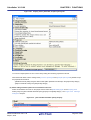
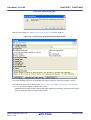
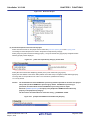
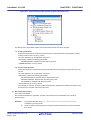
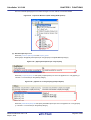
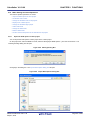
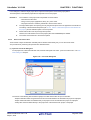
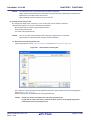
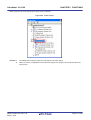
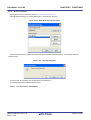
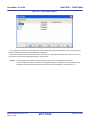
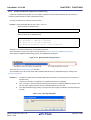
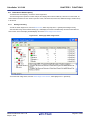
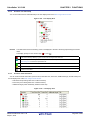
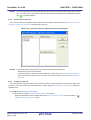
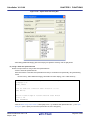
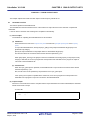
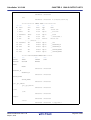
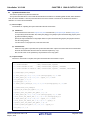
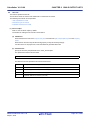
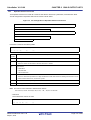
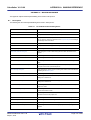
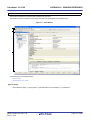
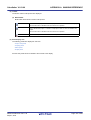
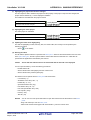
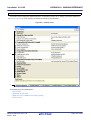
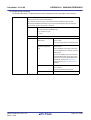
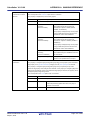
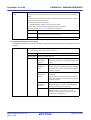
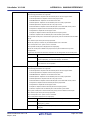
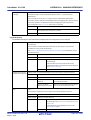
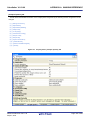
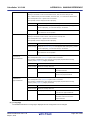
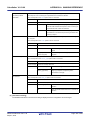
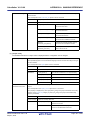
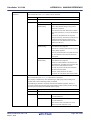
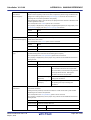
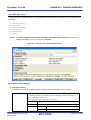
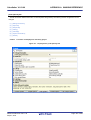
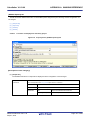
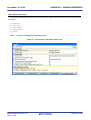
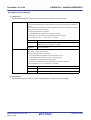
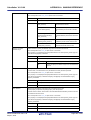
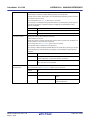
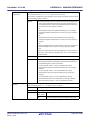
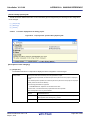
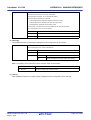
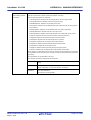
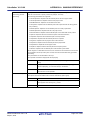
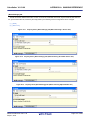
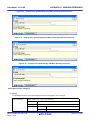
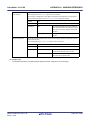
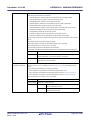
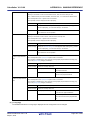
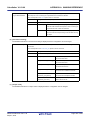
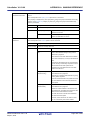
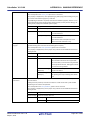
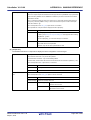
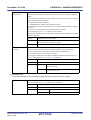
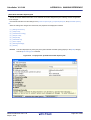
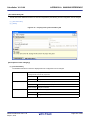
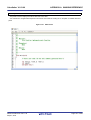
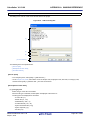
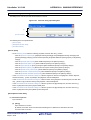
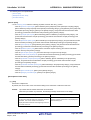
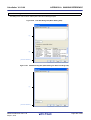
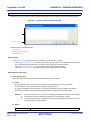
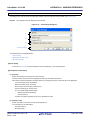
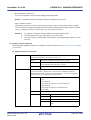
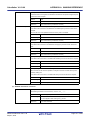
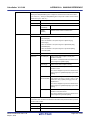
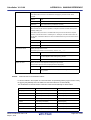
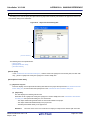
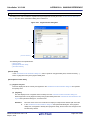
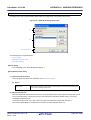
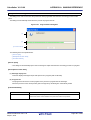
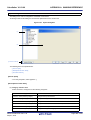
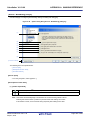
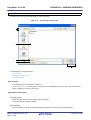
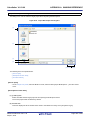
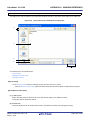
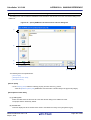
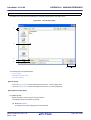
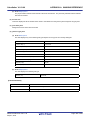
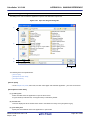
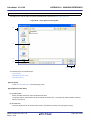
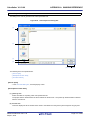
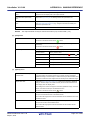
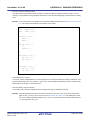
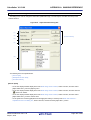
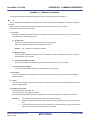
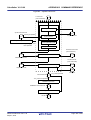
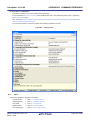
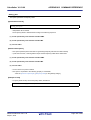
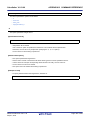
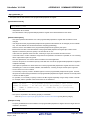
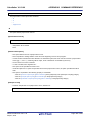
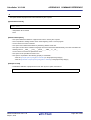
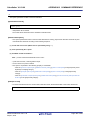
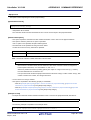
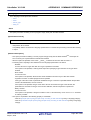
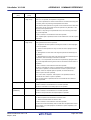
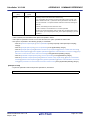
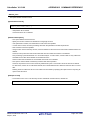
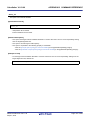
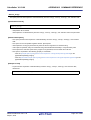
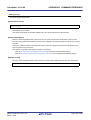
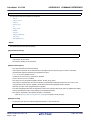
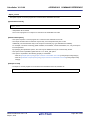
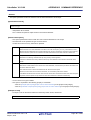
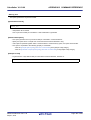
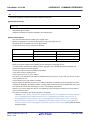
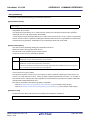
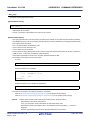
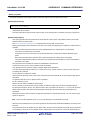
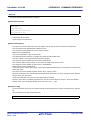
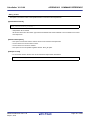
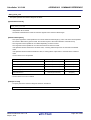
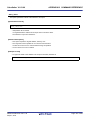
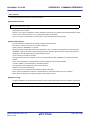
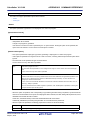
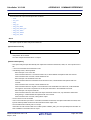
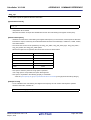
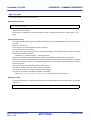
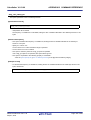
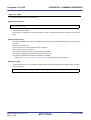
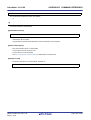
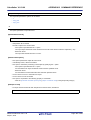
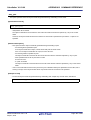
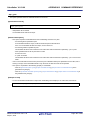
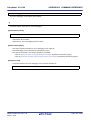
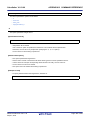
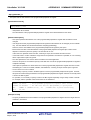
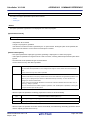
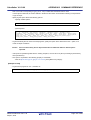
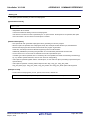
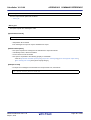
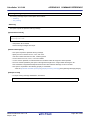
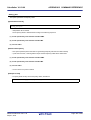
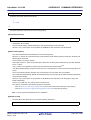
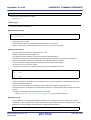
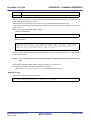
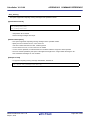
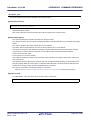
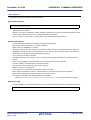
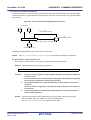
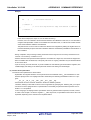
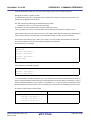
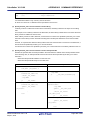
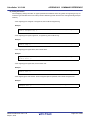
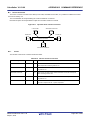
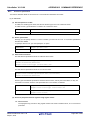
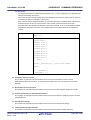
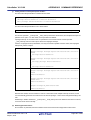
This dialog box is used to open an existing stack size specification file.
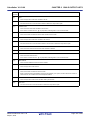
Figure A-54. Open Dialog Box
(1)
(2)
(3)
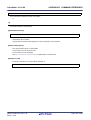
[Function buttons]
(4)
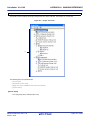
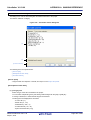
The following items are explained here.
- [How to open]
- [Description of each area]
- [Function buttons]
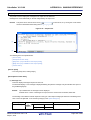
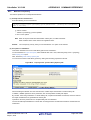
[How to open]
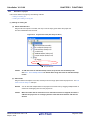
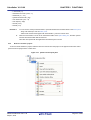
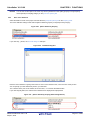
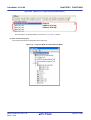
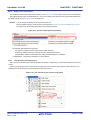
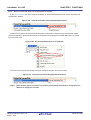
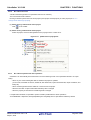
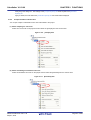
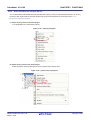
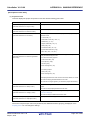
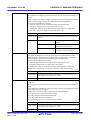
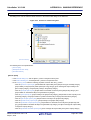
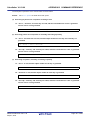
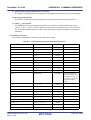
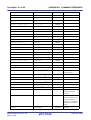
- On the Stack Usage Tracer window, select [Load Stack Size Specification File...] from the [File] menu.
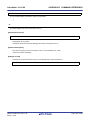
[Description of each area]
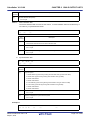
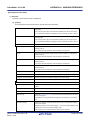
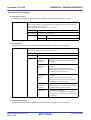
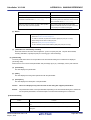
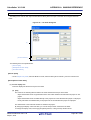
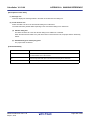
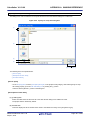
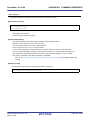
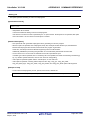
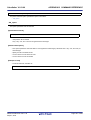
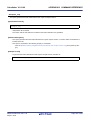
(1) [Look in] area
Select the folder containing the stack size specification file you wish to open.
(2) List of files
This area displays a list of files matching the conditions selected in [Look in] area and [Files of type] area.
(3) [File name] area
Specify the file name of the stack size specification file to open.
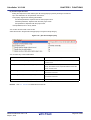
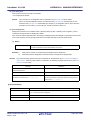
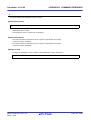
(4) [Files of type] area
Select the type of file to open.
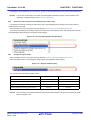
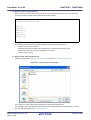
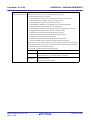
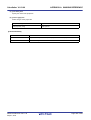
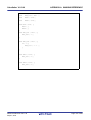
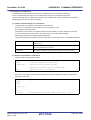
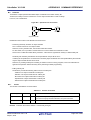
Stack Size Specification File (*.txt)
Text format
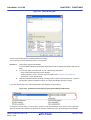
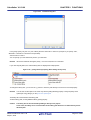
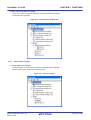
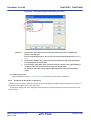
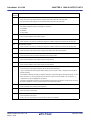
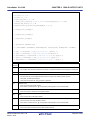
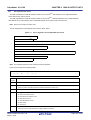
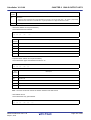
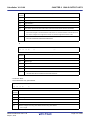
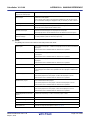
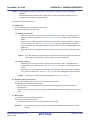
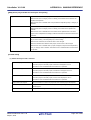
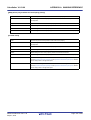
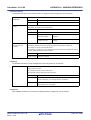
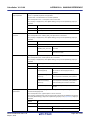
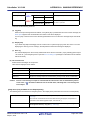
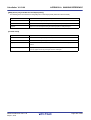
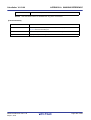
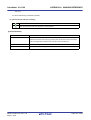
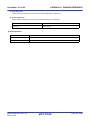
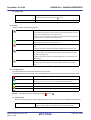
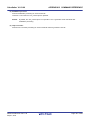
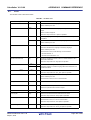
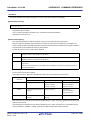
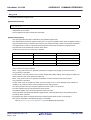
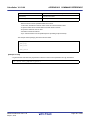
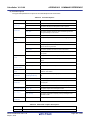
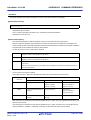
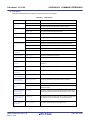
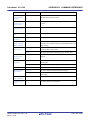
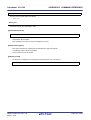
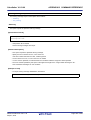
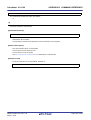
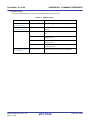
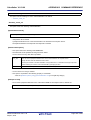
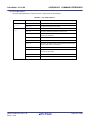
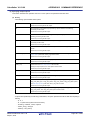
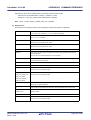
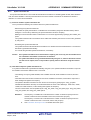
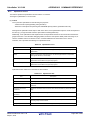
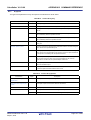
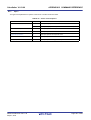
[Function buttons]
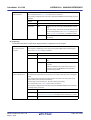
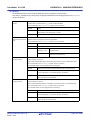
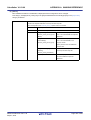
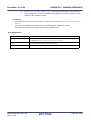
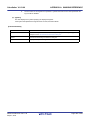
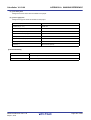
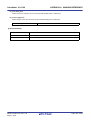
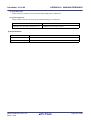
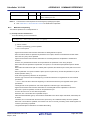
Button
Function
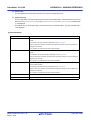
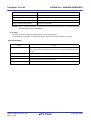
Open
Opens the specified file.
Cancel
Ignores the setting and closes this dialog box.
R20UT2142EJ0100 Rev.1.00
Sep 01, 2012
Page 325 of 620