1
CubeSuite+ V1.03.00
APPENDIX A WINDOW REFERENCE
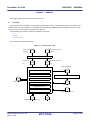
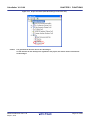
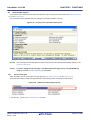
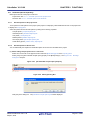
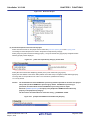
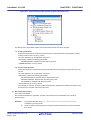
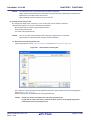
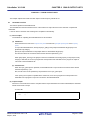
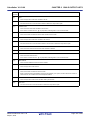
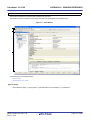
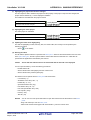
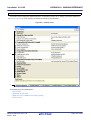
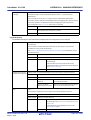
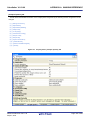
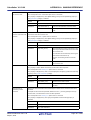
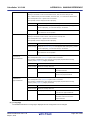
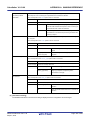
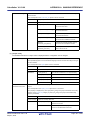
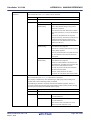
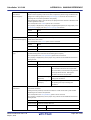
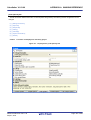
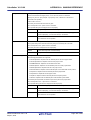
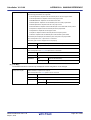
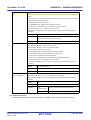
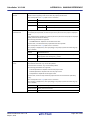
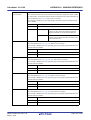
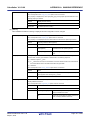
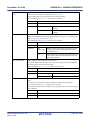
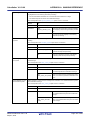
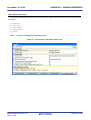
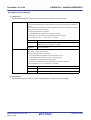
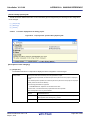
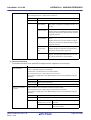
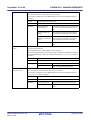
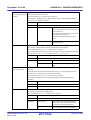
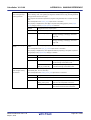
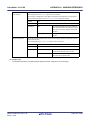
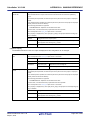
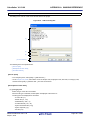
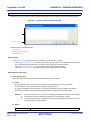
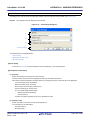
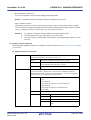
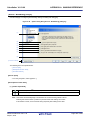
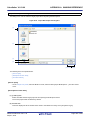
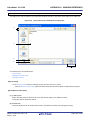
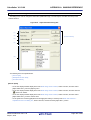
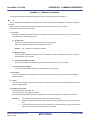
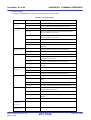
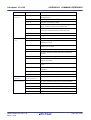
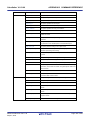
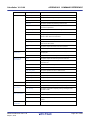
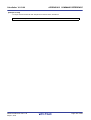
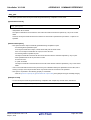
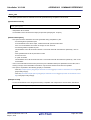
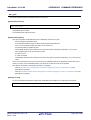
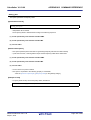
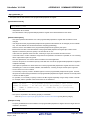
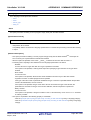
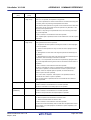
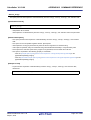
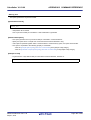
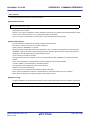
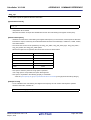
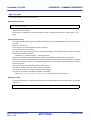
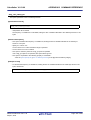
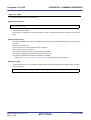
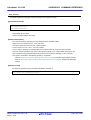
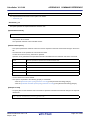
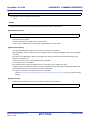
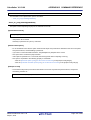
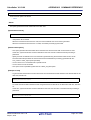
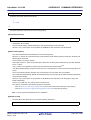
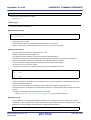
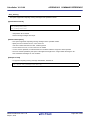
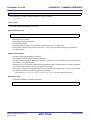
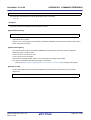
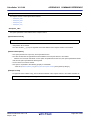
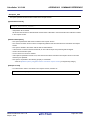
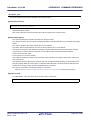
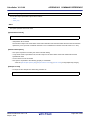
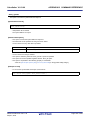
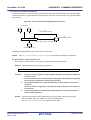
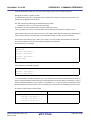
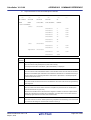
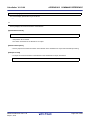
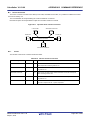
Link Order dialog box
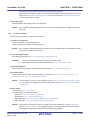
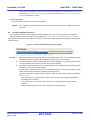
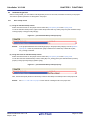
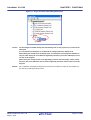
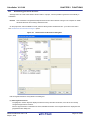
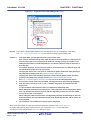
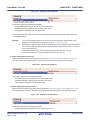
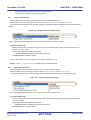
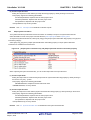
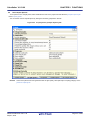
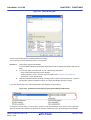
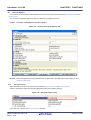
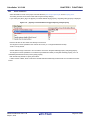
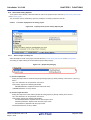
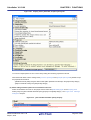
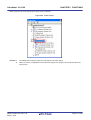
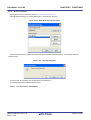
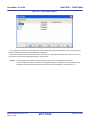
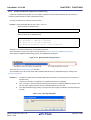
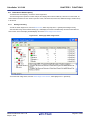
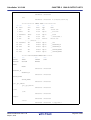
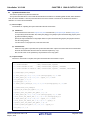
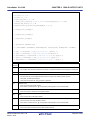
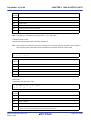
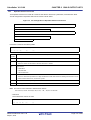
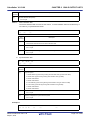
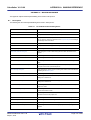
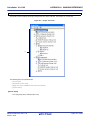
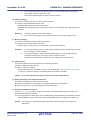
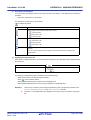
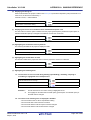
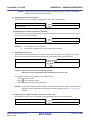
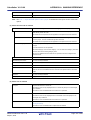
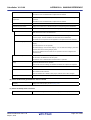
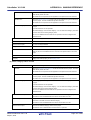
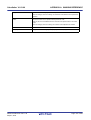
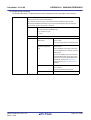
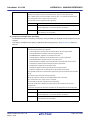
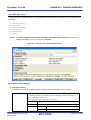
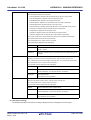
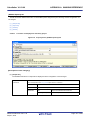
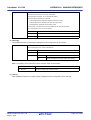
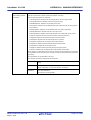
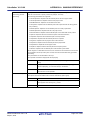
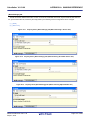
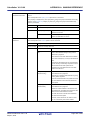
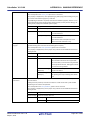
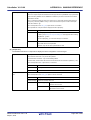
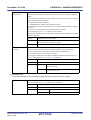
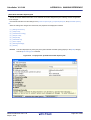
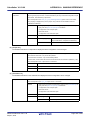
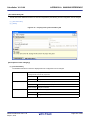
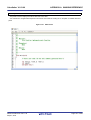
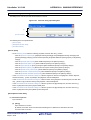
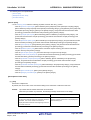
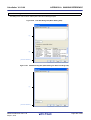
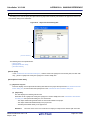
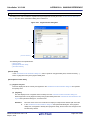
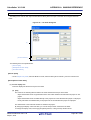
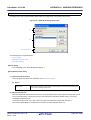
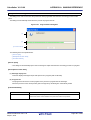
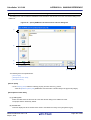
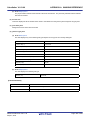
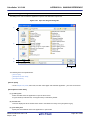
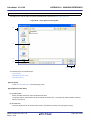
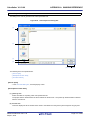
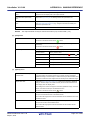
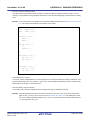
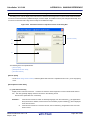
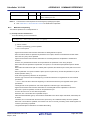
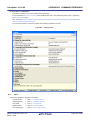
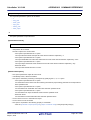
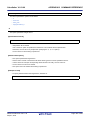
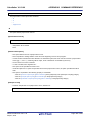
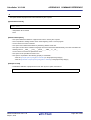
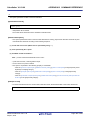
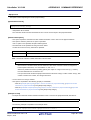
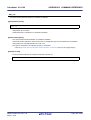
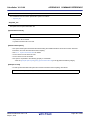
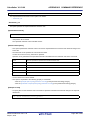
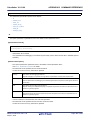
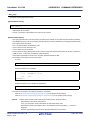
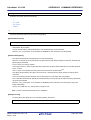
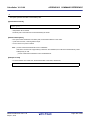
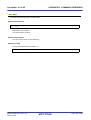
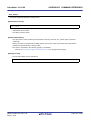
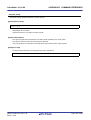
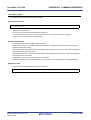
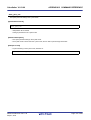
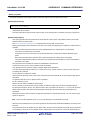
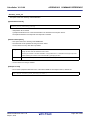
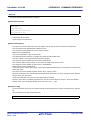
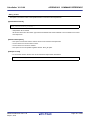
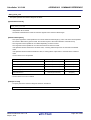
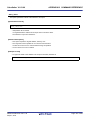
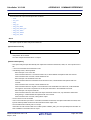
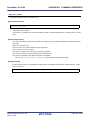
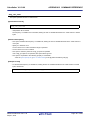
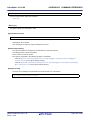
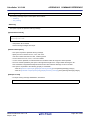
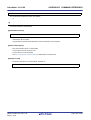
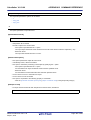
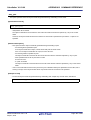
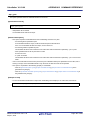
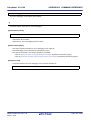
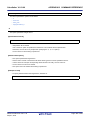
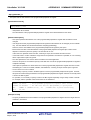
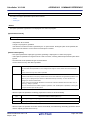
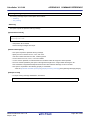
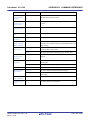
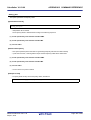
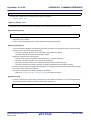
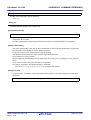
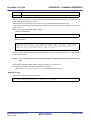
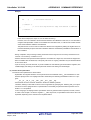
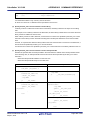
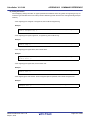
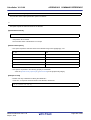
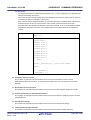
This dialog box is used to refer object module files and library files to be input to the linker and configure these link
orders.
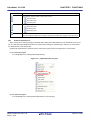
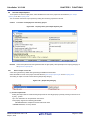
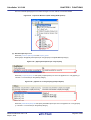
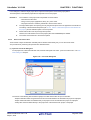
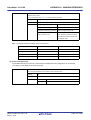
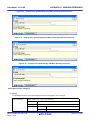
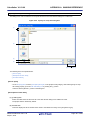
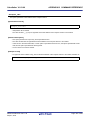
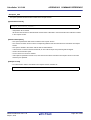
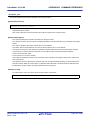
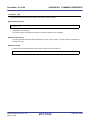
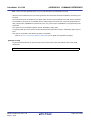
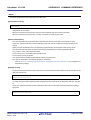
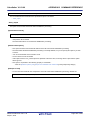
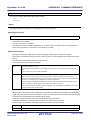
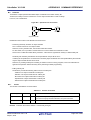
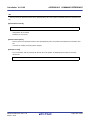
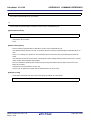
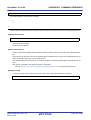
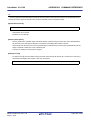
Figure A-35. Link Order Dialog Box
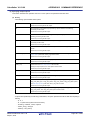
(1)
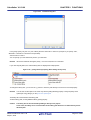
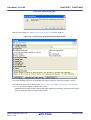
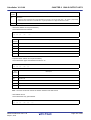
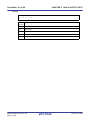
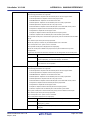
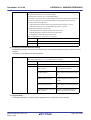
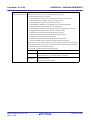
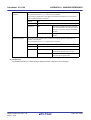
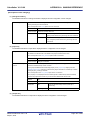
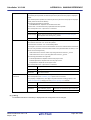
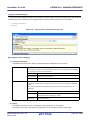
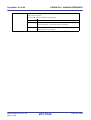
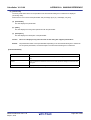
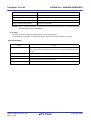
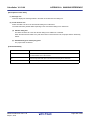
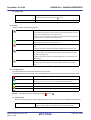
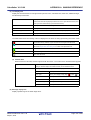
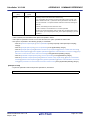
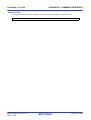
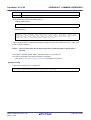
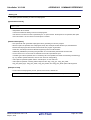
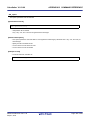
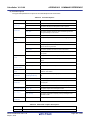
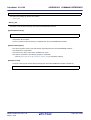
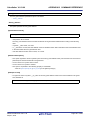
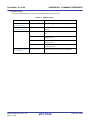
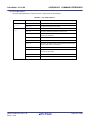
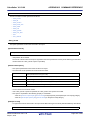
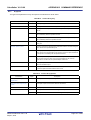
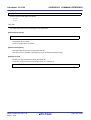
[Function buttons]
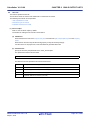
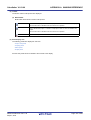
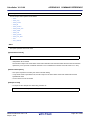
The following items are explained here.
- [How to open]
- [Description of each area]
- [Function buttons]
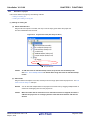
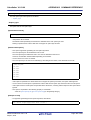
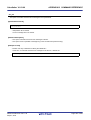
[How to open]
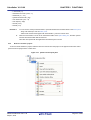
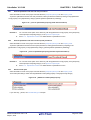
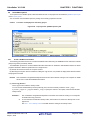
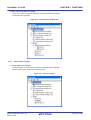
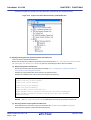
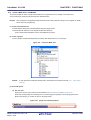
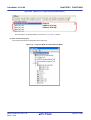
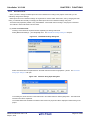
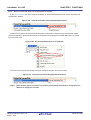
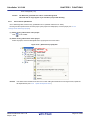
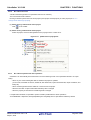
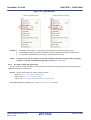
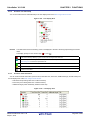
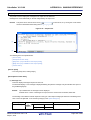
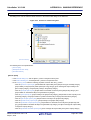
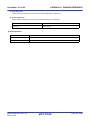
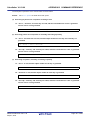
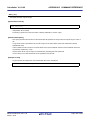
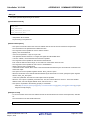
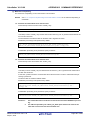
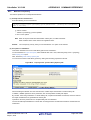
- On the Project Tree panel, select the Build tool node, and then select [Set Link Order...] from the context menu.
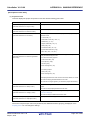
[Description of each area]
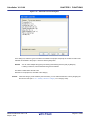
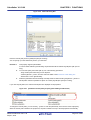
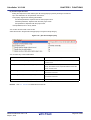
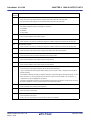
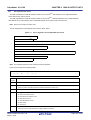
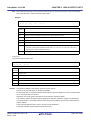
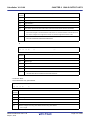
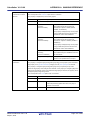
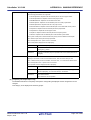
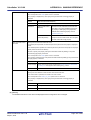
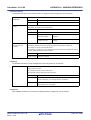
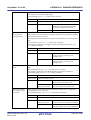
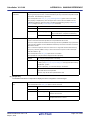
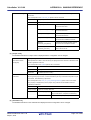
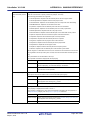
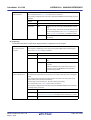
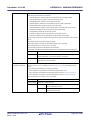
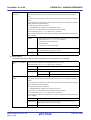
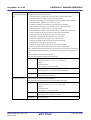
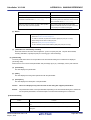
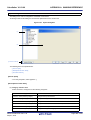
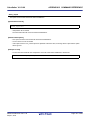
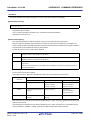
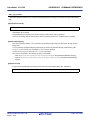
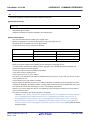
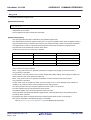
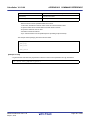
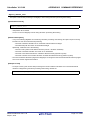
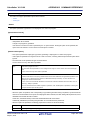
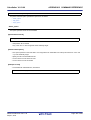
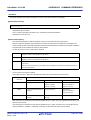
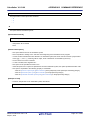
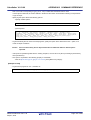
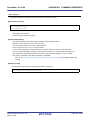
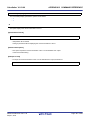
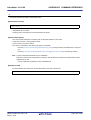
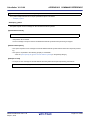
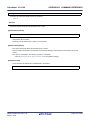
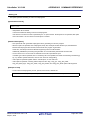
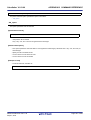
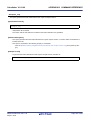
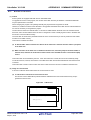
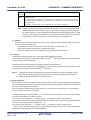
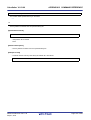
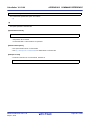
(1) File list display area
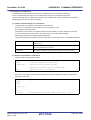
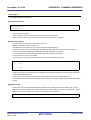
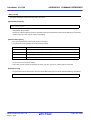
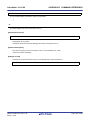
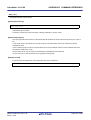
This area displays the file list to be input to the linker.
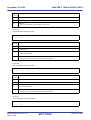
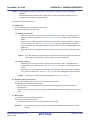
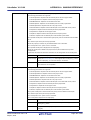
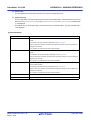
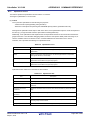
(a) [File]
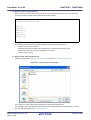
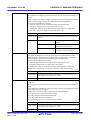
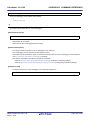
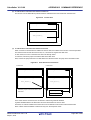
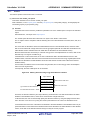
The names of the following files are listed in the order that the files are input to the linker.
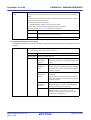
- Object module files which are generated from the source files added to the selected main project or subproject
- Object module files which are added directly to the project tree of the selected main project or subproject
- Library files which are added directly to the project tree of the selected main project or subproject
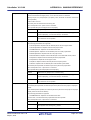
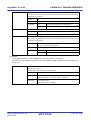
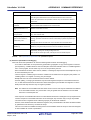
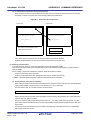
The default order is the order that the files are added to the project.
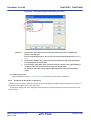
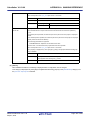
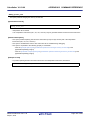
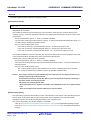
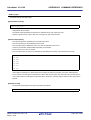
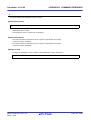
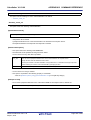
By changing the display order of the files, you can set the input order of the files to the linker.
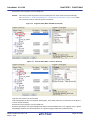
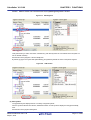
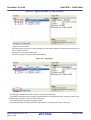
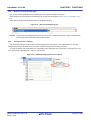
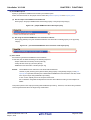
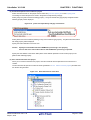
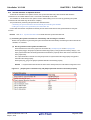
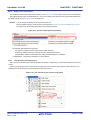
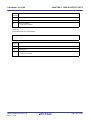
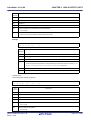
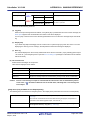
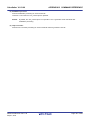
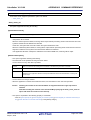
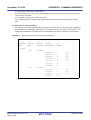
To change the display order, use the [Up] and [Down] buttons, or drag and drop the file names.
R20UT2142EJ0100 Rev.1.00
Sep 01, 2012
Page 281 of 620