1
4.12 System Status
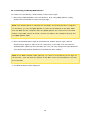
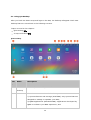
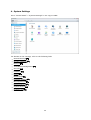
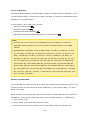
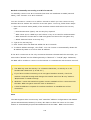
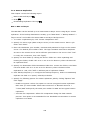
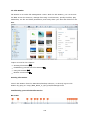
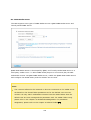
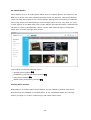
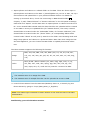
Go to "Control Panel" > "System Settings" > "System Status" to check the status of your
NAS.
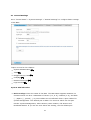
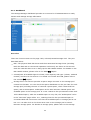
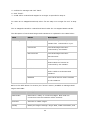
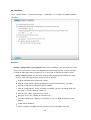
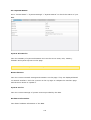
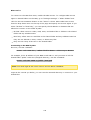
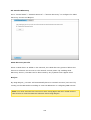
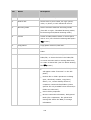
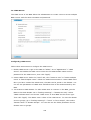
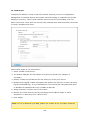
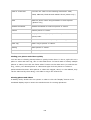
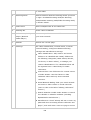
Sy ste m Inform a tion
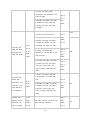
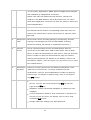
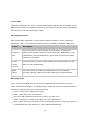
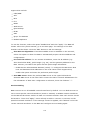
View the summary of system information such as the server name, CPU, memory,
firmware and system up time on this page.
Note : CPU and memory information is only available on certain NAS models.
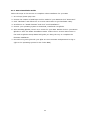
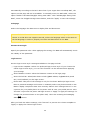
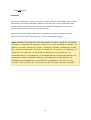
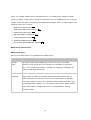
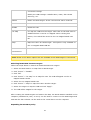
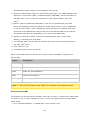
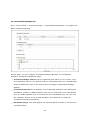
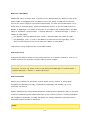
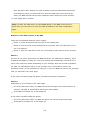
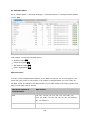
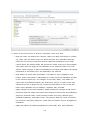
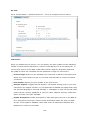
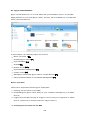
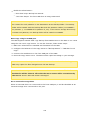
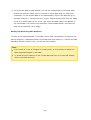
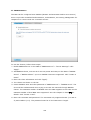
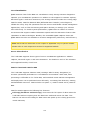
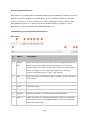
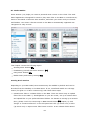
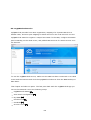
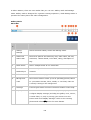
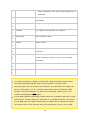
Ne twork Sta tus
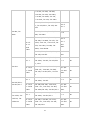
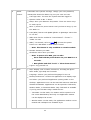
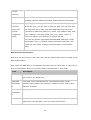
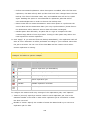
View the current network settings and statistics on this page. They are displayed based
on network interface. Click the up arrow in the top right to collapse the interface page
and the down arrow to expand it.
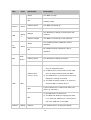
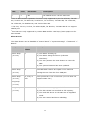
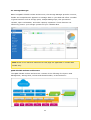
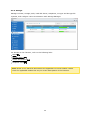
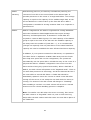
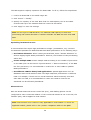
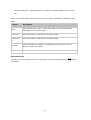
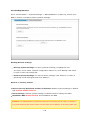
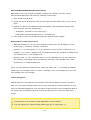
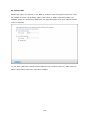
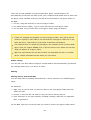
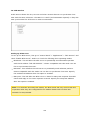
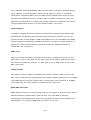
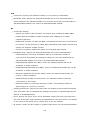
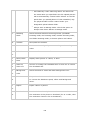
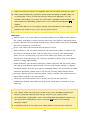
Sy ste m Se rv ic e
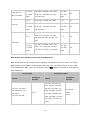
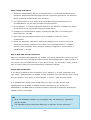
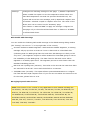
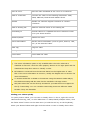
View the current settings of system services provided by the NAS.
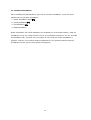
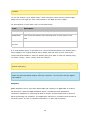
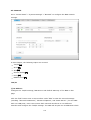
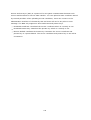
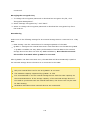
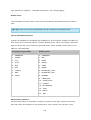
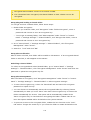
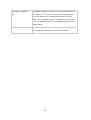
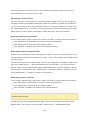
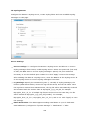
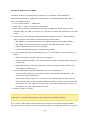
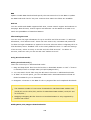
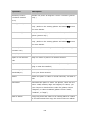
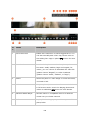
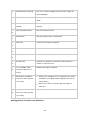
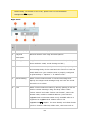
H a rdwa re Inform a tion
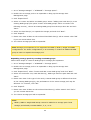
View basic hardware information of the NAS.
155