1
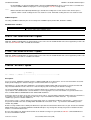
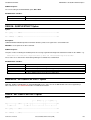
SET/QUERY/EXTRACT
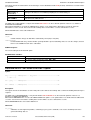
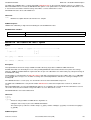
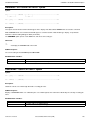
EOLOUT - SET/QUERY/EXTRACT Option
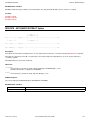
FIELD - EXTRACT Option
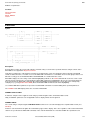
Syntax:
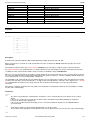
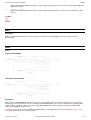
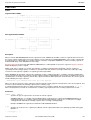
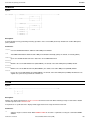
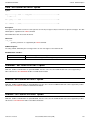
>>--- EXTract --- /FIELD/ --------------------------------------------------><
Description:
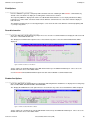
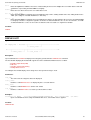
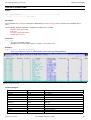
For use in macros, EXTRACT FIELD obtains the characteristics (field reference number, field data type, field name and currently
displayed field width) of each field column header belonging to the default record type.
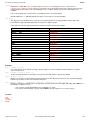
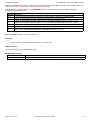
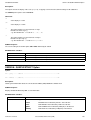
Field data type may be one of the following:
BINTEGER
BIT
CHARACTER
DECIMAL
FIXED
FLOATBIN
FLOATHEX
HEXADECIMAL
INTEGER
STRUCTURE
UNION
VARCHAR
XVARCHAR
ZONED
Values are obtained for each displayed field column in the order in which they appear in the display. Therefore, the SELECT
command will influence the EXTRACT FIELD values.
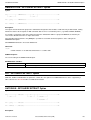
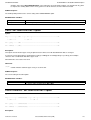
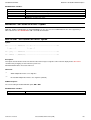
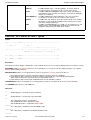
EXTRACT Rexx variables:
field.0
field.i
Number of currently selected fields belonging to the default record type.
The blank delimitted field reference number (#nn), field data type, field name (including any array
element subscripts in parentheses) and the current field width of the ith field in the default record
type.
See Also:
QUERY/EXTRACT COLWIDTH
EXTRACT FOCUS
EXTRACT FVALUE
EXTRACT VALUE
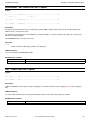
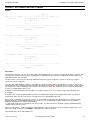
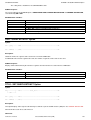
FILEID - SET/QUERY/EXTRACT Option
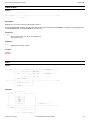
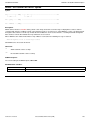
SDE SET, QUERY and EXTRACT for option FILEID, has the same effect in an SDE window view as that supported by a CBLe edit
view. See SET FILEID in CBLe Text Edit documentation.
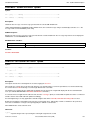
FMODE - SET/QUERY/EXTRACT Option
SDE SET, QUERY and EXTRACT for option FMODE, has the same effect in an SDE window view as that supported by a CBLe
edit view. See SET FMODE in CBLe Text Edit documentation.
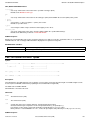
FNAME, MBR - SET/QUERY/EXTRACT Option
SDE SET, QUERY and EXTRACT for option FNAME or MBR, has the same effect in an SDE window view as that supported by a
CBLe edit view. See SET FNAME in CBLe Text Edit documentation.
2012-05-10 17:05:59
Structured Data Environment (SDE)
179