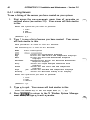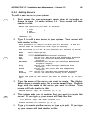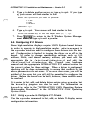
1
34
INTERACTIVE X1 1 Installation and Maintenance - Version 2.0
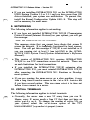
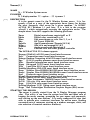
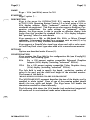
5.2.3 Deleting Remote Hosts
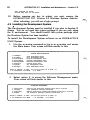
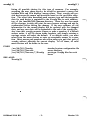
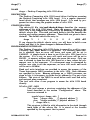
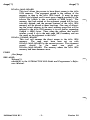
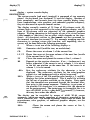
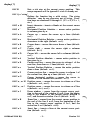
To remove a remote host's entry in the file / e t c / X O . ho s t s , so
that the host will no longer have network access to your server:
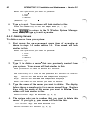
1.
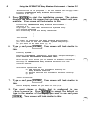
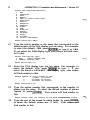
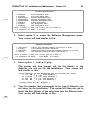
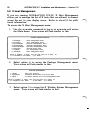
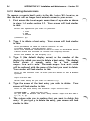
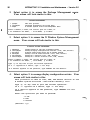
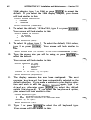
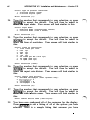
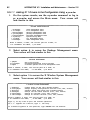
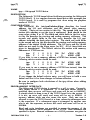
First access the h o s tmgmt menu item of s y s adm as shown
in steps 1 -4 under section 5.2. Your screen will look similar
to this:
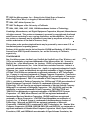
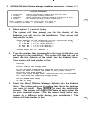
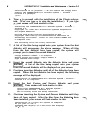
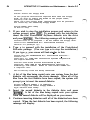
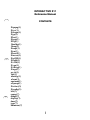
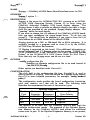
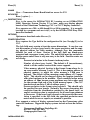
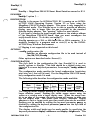
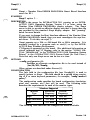
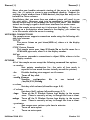
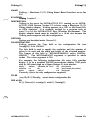
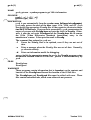
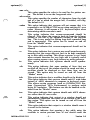
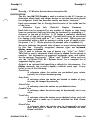
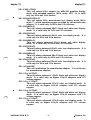
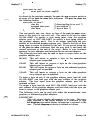
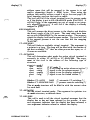
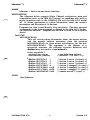
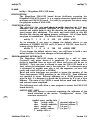
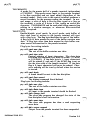
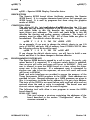
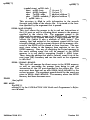
Enter
the
o p e r a t i on you want to p e r f orm :
1 list
2 add
3 delete
[ d e f au l t :
2.
q] :
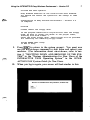
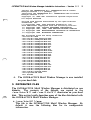
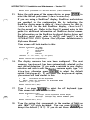
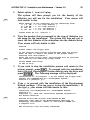
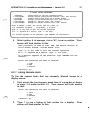
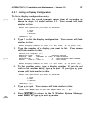
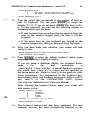
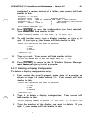
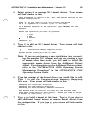
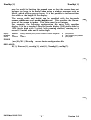
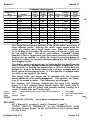
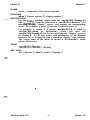
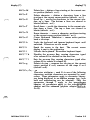
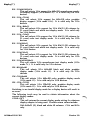
Type 3 to delete a host entry. Your screen will look similar
to this:
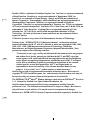
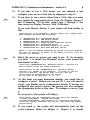
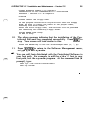
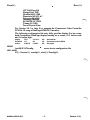
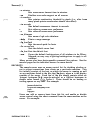
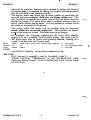
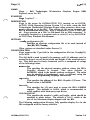
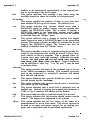
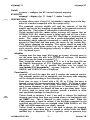
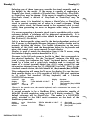
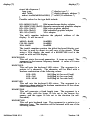
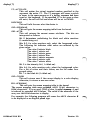
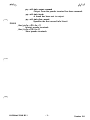
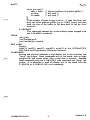
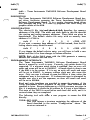
T h i s p r o c e du r e i s u s e d to r e move entr i e s in the
X W i ndow S y s t e m ' / e t c / X O . ho s t s ' f i l e .
Th i s f i l e c o nt a i n s i n forma t i on wh i c h X u s e s to d e t e r m i n e wh i c h
r em o t e ho s t s a r e a l l owed to a c c e s s the d i s p l ay s e rv e r .
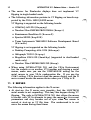
Ent e r t h e numb e r
3.
of
the
d i splay
[0] :
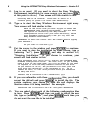
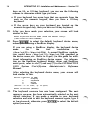
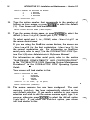
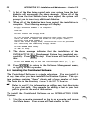
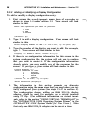
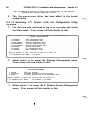
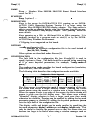
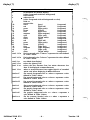
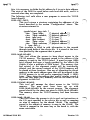
Type 0 (the default display server) or the number of the
display for which you want to delete a host entry. The display
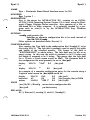
below shows a sample entry for a host named
e x p o . l c s . m i t . e d u. The name e xpo . l c s . m i t . e du
will be replaced with the name of the host you want to delete.
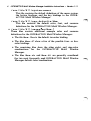
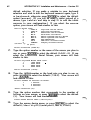
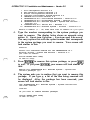
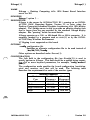
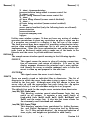
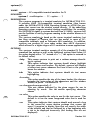
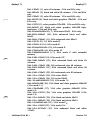
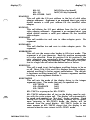
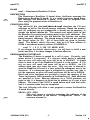
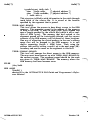
Your screen will look similar to this:
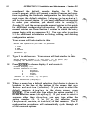
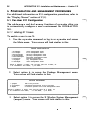
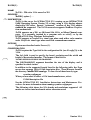
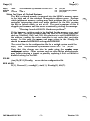
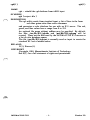
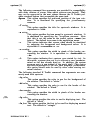
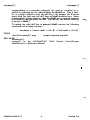
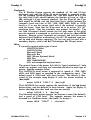
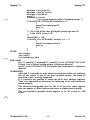
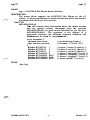
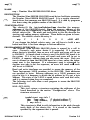
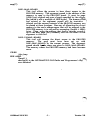
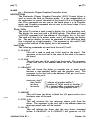
Th i s i s
System :
the
c u r r ent
l i s t of h o s t �ntr i e s known t o the
X W i ndow
expo . l c s . m i t . e du
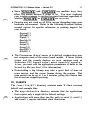
Wh i c h host
4.
e n t r y do you want to d e l e t e ?
(q]
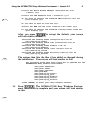
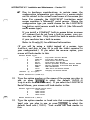
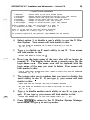
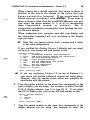
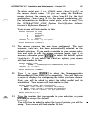
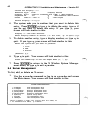
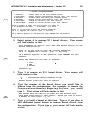
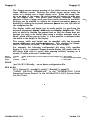
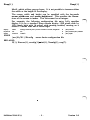
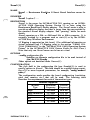
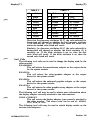
Type the name of the host entry you wish to delete. Your
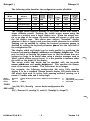
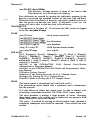
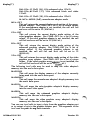
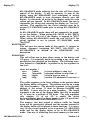
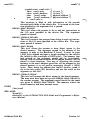
screen will look similar to this:
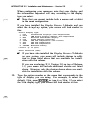
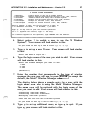
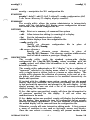
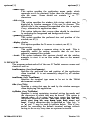
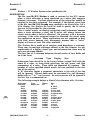
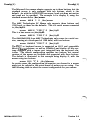
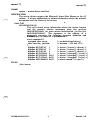
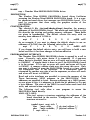
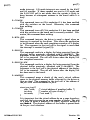
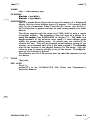
Here
is
the
file
entry
for mach i ne
' e xpo . l c s . m i t . e du ' .
S YS T EM NAME :
expo . l c s . m i t . e du
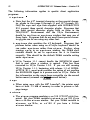
Do you want t o d e l e t e the h o s t entry named
[y, n, ?, q]
5.
' e xpo . l c s . m i t . e du ' ?
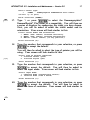
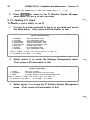
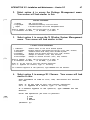
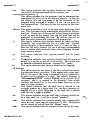
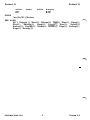
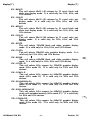
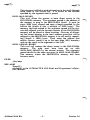
The system asks you to confirm that you want to delete this
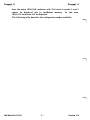
entry. If you type y to delete the entry, your screen will look
similar to this:
�