1
Chapter 5
Sessions – Response Chart 105
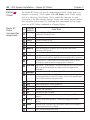
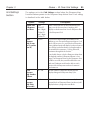
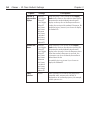
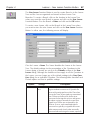
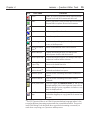
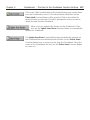
Tool
Tool Name
Function
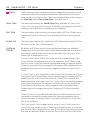
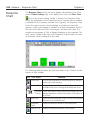
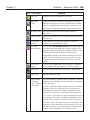
Pie Chart
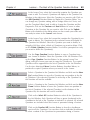
Display the Response Results in a pie chart.
Histogram
Chart
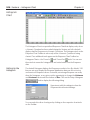
Display the Response Results in a Histogram. This is the
default chart type for a Numeric Question and is available
only for charting Responses to Numeric Questions. See
next page for additional information about the Histogram.
Number Chart
Show Response Results based on total number of
Responses.
Percent Chart
Show each Response as a percentage of the total number
of Responses.
Show/Hide
Answer
Toggle between showing and hiding the Response
statistics above the Response Chart.
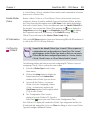
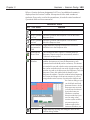
Show Response Details
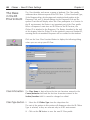
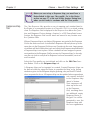
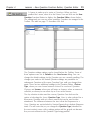
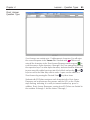
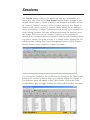
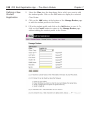
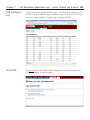
Click on the Show Response Details tool to display the list
of students that responded to the current Question. The
Response Details List displays the students’ Clicker ID, the
identification information chosen to display in their
assigned Response Box, their Response Choice, the time
on the Timer their Responses were received, how many
times they attempted to answer the Question, and their
names.
Show Chart
Legend
Use this tool to toggle between showing the Confidence
Level Legend below the Response Chart and hiding it.
Save Chart
Save the current Response Chart as a PNG graphics file.
Print Chart
Print this Response Chart.
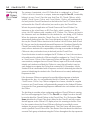
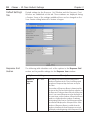
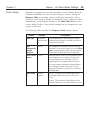
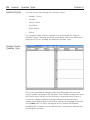
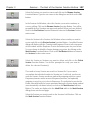
Values Menu
All Values
Top 5 Values
Bin Values
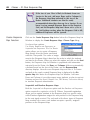
The Values Menu is available only on Response Charts for
Multiple Correct/Multiple Choice, Numeric, and Answer
Series Questions.
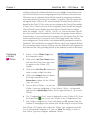
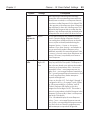
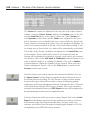
All Values Select this option when you want to see all the
Response Choices or Response Choice sets that were
transmitted. This option is available for Multiple Correct/
Multiple Choice, Numeric, and Answer Series Questions.
Top 5 Values Show the top 5 most frequent Responses to
the Question. This option is available for Multiple Correct/
Multiple Choice, Numeric, and Answer Series Questions.
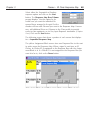
Bin Values Select this option when you want to show the
frequency of each individual correct Response Choice in a
bin in the Response Chart. This option is available only for
Multiple Correct/Multiple Choice Question Types.