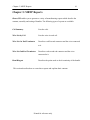
1
HarnesSys volume 7 Manufacturing
Creating MBTP Reports
1.
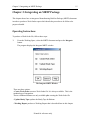
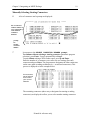
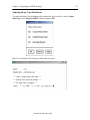
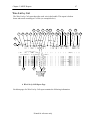
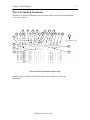
From the Working Space, select the MBTP using <MB1> and press the View
button.
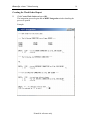
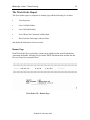
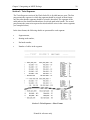
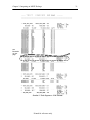
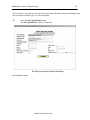
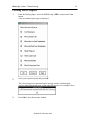
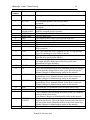
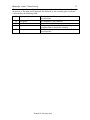
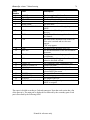
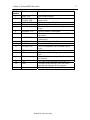
A list of standard report types is displayed.
2.
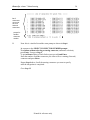
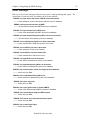
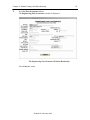
Select your required reports and press OK.
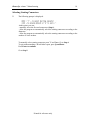
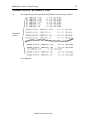
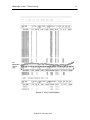
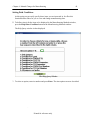
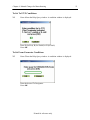
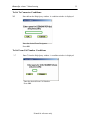
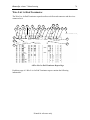
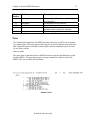
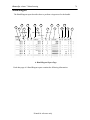
The selected reports are generated and a message window confirming the
process and displaying the name of the report file appears (see example below).
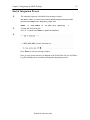
3.
Press OK to close the message window.
Printed for reference only
62