1
The LifeView TVR
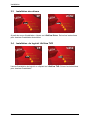
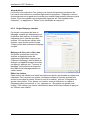
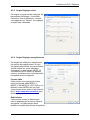
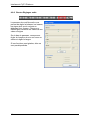
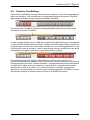
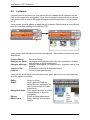
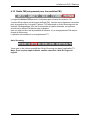
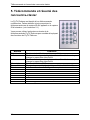
4.5.5 Misc Page tab
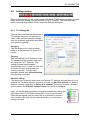
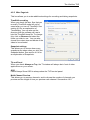
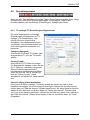
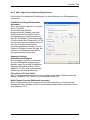
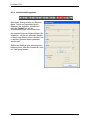
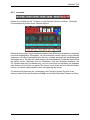
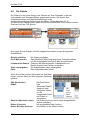
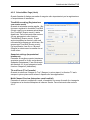
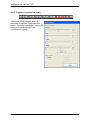
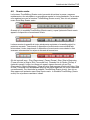
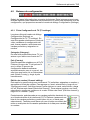
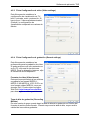
This box allows you to make additional settings for recording and taking snapshots.
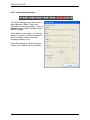
TimeShift recording
When you check this box, files that you
record in TimeShift mode will not be
saved after you turn off TimeShift. See
section 4.8 for an explanation of
TimeShifting. You can also set the
directory that the software will use to
hold the TimeShift temp file. To change
this, click on Browse and select the
folder you wish to use. You can also
choose the output size and bitrate of the
video to be recorded.
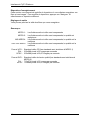
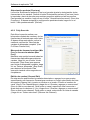
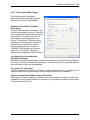
Snapshot settings
This allows you to choose how many
snapshots are taken when you click the
Snapshot button. See section 4.6.4 for
an explanation of Snapshots.
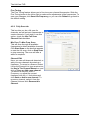
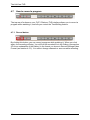
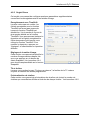
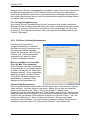
TV and Panel
When you check Always on Top, the TV window will always be in front of other
applications on your screen.
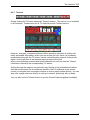
OSD
Check Always Show OSD to always show the TVR control panel.
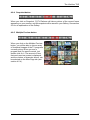
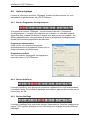
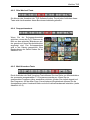
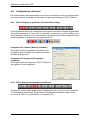
Multi-Channel Preview
This allows you to preview channels, and to choose the number of channels you
preview and the length of time you preview each channel. See section 4.6.5.
13