1
ACTIVATING FUNCTIONS
ALL
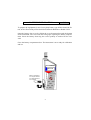
Castle instruments operate with an intuitive menu system. The menu is selected
by using the dedicated buttons on the keypad. A scrolling menu exists within
this function holding the button down will allow you to scroll through the
menu.
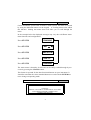
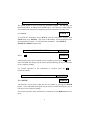
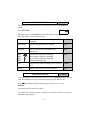
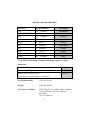
In the example below the displayed messages may vary due to different instrument functions and configurations.
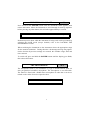
Press STATUS
RUNNING
Press STATUS
BAT
Press STATUS
dBA SLOW
Press STATUS
VER 1.3
Press STATUS
RUNNING
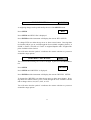
The status menu is therefore circular and can be easily scrolled through by successively pressing the STATUS button.
This format is repeated for the other functional buttons on your instrument. It
should be noted that the colour matched buttons are used with the ENTER button to change an operating mode.
CALIBRATION
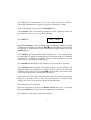
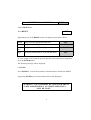
WARNING:
ENSURE A SUITABLE CALIBRATOR IS ATTACHED
AND WORKING BEFORE COMMENCING
CALIBRATION ROUTINE
4
ALL