1
Procedure
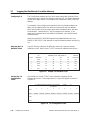
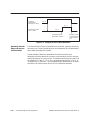
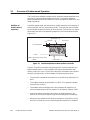
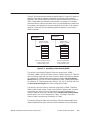
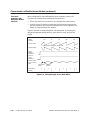
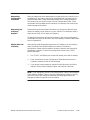
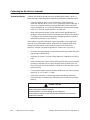
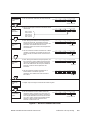
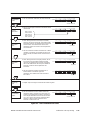
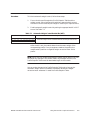
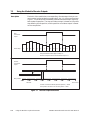
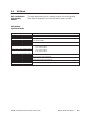
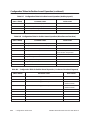
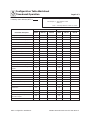
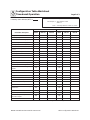
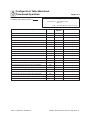
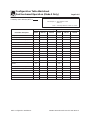
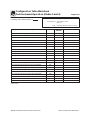
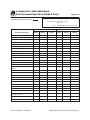
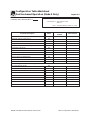
To use the phase check feature, enter values into the following fields in the
Configuration Table.
•
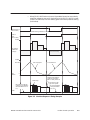
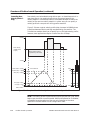
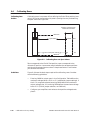
Phase Check Location — this field specifies the profile step (or range of
steps) where the phase check should start
•
Phase Check Setpoint — this field specifies the setpoint at which the
die should be set to mark the parison
•
Number of Steps To Hold Phase Check — this field specifies the
number of profile steps that the die should remain at the specified
setpoint
All values you enter in these fields are downloaded to the module when the
Configuration Table is downloaded. If you make changes to these values,
you must download the Configuration Table (see Appendix B).
SIMATIC 505 TurboParison Module User Manual
Using the Module’s Optional Features
7-11