1
Project processing
2011
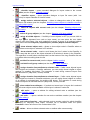
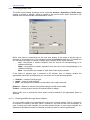
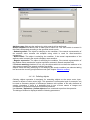
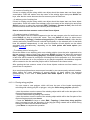
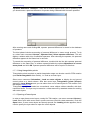
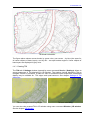
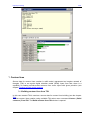
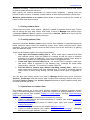
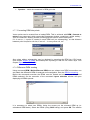
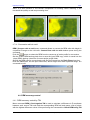
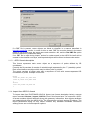
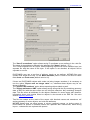
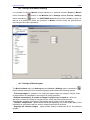
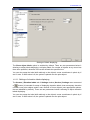
The "Convert line objects to Polygon Mesh" option allows converting all line objects (if
"Convert all" is checked) or only line objects with a certain attribute ("Convert objects with
attributes") into AutoCAD 3D objects of Polygon Mesh type. Each of such objects is created
from the corresponding source line object and its orthogonal projection on a horizontal plane
defined by the "Default base elevation" field. This feature may be used, for example, for
obtaining 3D models of fences having vectorized their upper edges only.
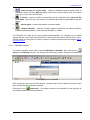
Line styles are preserved during export, and are used for displaying exported objects in
AutoCAD.
9.2.7. Export to Generate format
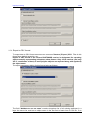
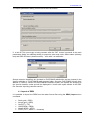
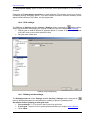
To export data to ArcINFO Generate format execute menu command Vectors | Export |
Generate.
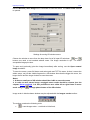
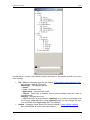
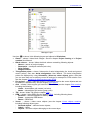
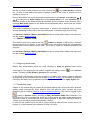
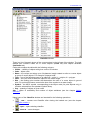
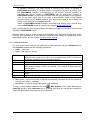
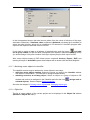
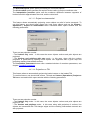
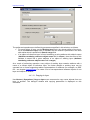
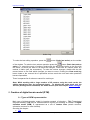
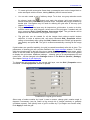
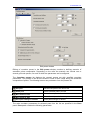
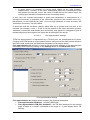
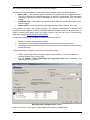
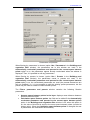
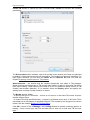
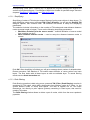
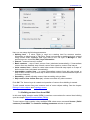
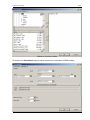
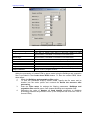
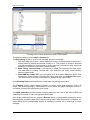
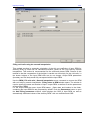
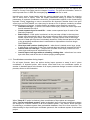
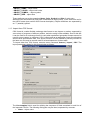
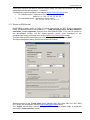
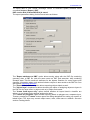
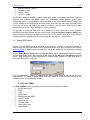
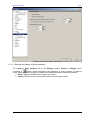
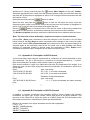
The export parameters dialog for this format looks as follows:
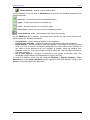
The "Export attributes to DBF" option allows saving along with the file containing geometry
data, a DBF file (with the same name as .gnp/.gnl and extension .dbf) containing semantic
data. This file stores all attributes for the objects. Besides, for vector layers with classifier,
171
RACURS Co., Ul. Yaroslavskaya, 13-A, office 15, 129366, Moscow, Russia