1
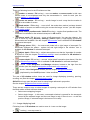
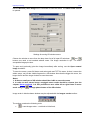
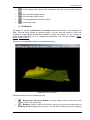
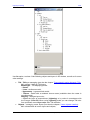
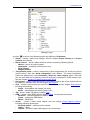
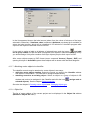
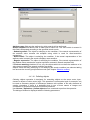
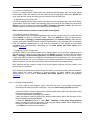
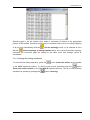
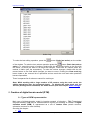
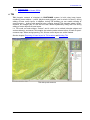
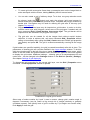
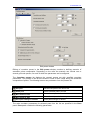
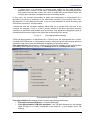
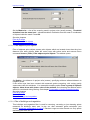
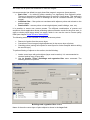
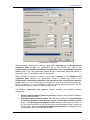
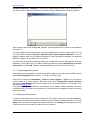
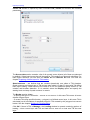
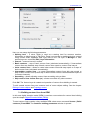
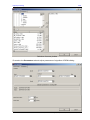
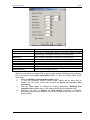
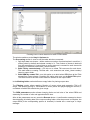
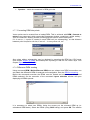
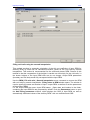
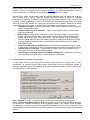
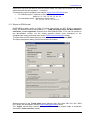
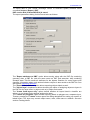
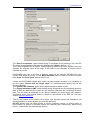
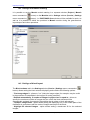
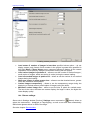
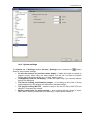
PHOTOMOD 5.21 10.18. System settings button) The System tab of Settings window (Service | Settings menu command or allows to setup system settings: Do not use textures for precision raster display – enable this option to speed up graphics output when using old video adapter, but this will not allow to position marker with sub-pixel accuracy (e.g., in fixed marker mode). Compatibility mode for TIN display – enable this option only if you can see artifacts during TIN displaying. Tile size for reading and displaying images – try to change a size of tile, if during image displaying in 2D window you experience noticeable delays. Tile size for writing MS-TIFF – allows to setup a tile size for files of MS-TIFF and MegaTIFF formats to be created. Memory cash buffer for project images – when working with big volume of vector data, reduce memory cash buffer (free memory), in other cases increase it. © 2011 202