1
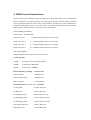
3.3. IE browser Settings
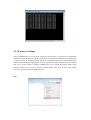
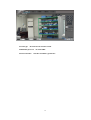
Using a WEB browser to access the IP camera for the first time, it is necessary to temporarily
reduce the security Settings for one-time install ActiveX components; otherwise it can appear error
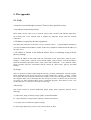
or can't be played. If it is the first time into the client Settings, the browser will be prompted to
install an ActiveX plugin. This plugin is used to set parameters of the client browser, users should
click “yes”; If the browser is without prompting the user to install the plugin, please check
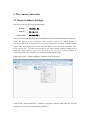
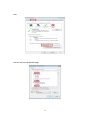
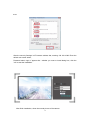
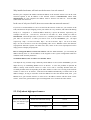
browser security level set, put it down to install plugin, the steps of start: tool--options
--security- set level. Such as the following icon:
First
13