1
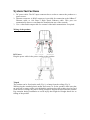
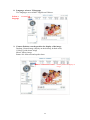
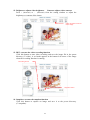
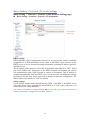
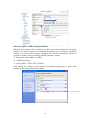
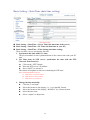
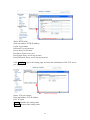
5. AutoPan: enables/disables AutoPan.
You can enable the AutoPan function to make the camera move back and forth
horizontally and automatically. Disable the AutoPan function to stop the scan.
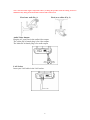
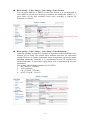
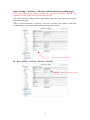
6. Alert: displays alert trigger
This indicator flashes to warn you when a movement or alert is detected. Click to
stop the flash.
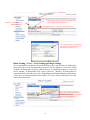
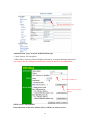
Alert trigger display
AutoPan function
Enable/ disable the alert message
display
Alert message display area
Enable/ disable the alert message
Save function
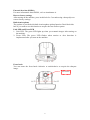
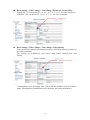
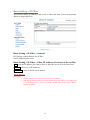
7. Alert Message: enables/disables the alert message display.
Alert Message: displays the alert message. Press Enable/Disable to enable or
disable the display of the alert message. When this function is
disabled, the alert message will not be displayed.
Save AlertImg: saves the alert message. Press Enable/disable to enable or disable
the save of the alert image in the Snapshot directory. When the
Save AlertImg function is enabled, double-click it to show the
image of the alert. A message appears whenever an alert is
triggered (50 messages at maximum). The message disappears
when you quit the screen. (For more information about the setting,
refer to the Setting/Application Setting/Event/Event.)
21