1
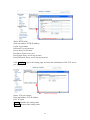
Basic Setting > Network > Samba
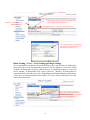
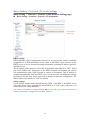
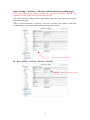
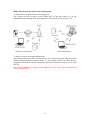
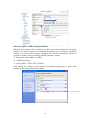
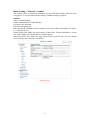
The camera is able to upload the snapshots to a specified shared folder when an event
is triggered. To use this function, the setting of Samba setting is required.
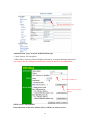
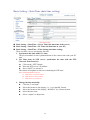
Options:
Active: Enable/Disable
Samba Authentication: Enable/Disable
Username: the username
Password: the password
Path: specify the IP address of the computer you want to share with and the file name,
i.e. 192.168.0.X/xxx
Shared Folder Size (MB): the total capacity of the folder. Always remember to set the
size of the folder to avoid exhaustion of disk capacity.
Max Record File Size (MB): the upper limit of the record file size. The size should
not exceed the total capacity of the folder.
Samba setting
51