1
N50 Series User’s Manual
LAN
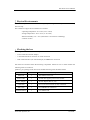
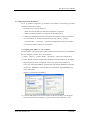
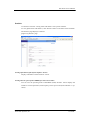
Configuring an IP address and a default gateway for your N50 series Modem .
IP Address
Enter an IP address for the LAN port.
Netmask
Enter an IP subnet Mask.
Default Gateway
Enter your default gateway’s IP address.
To access the N50 on remote network, you must set up a
default gateway.
WAN
The WAN interface supports multiple data rate and rate-adaptive capability. Also it can
act as both a COE and a CPE. The SHDSL port supports a variety of line rates ranging
from 384kbps to 22784kbps. In rate adaptive mode line rate is automatically set for the
highest achievable data rate according to the loop conditions.
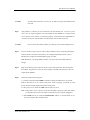
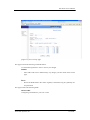
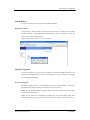
Configuring a device-type, a data rate of the G.shdsl.bis port.
Encapsulation
Displays the encapsulation type.
IEEE 802.3ah Default
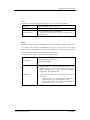
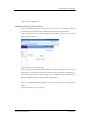
1> Enables selection of the desired device-type for the
SHDSL.bis port. Possible selections are COE (Central
Office Equipment) or CPE (Customer Premises
Equipment). The default is CPE.
G.SHDSL.bis
NexComm Systems, Inc.
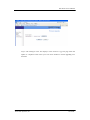
2> If you select the COE type, input a data rate and select a
rate mode.
- Rate Adaptive: If it is checked, the rate mode is
Adaptive. If it is not, the rate mode is Fixed.
- Kbps: Input a data rate in kbps from 384kbps to
22784kbps (64 x N , N=6~356 )
20 PAGE