1
Pairing with a Bluetooth device
To do this, you turn on the Bluetooth device you want to connect. Some Bluetooth devices
come with a button that allows them to be detectable to other bluetooth-awared devices. If your
bluetooth device is one of their kind, switch the buton to on. Then, follow the steps:
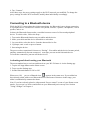
1. Tap the All Apps button on the Home screen.
2. Tap to run the Settings app.
3. Tap to select “Bluetooth”.
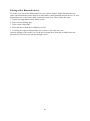
4. Select the device form the available device list.
5. If a dialog box appears and prompts you to enter a code, enter the code.
Once the pairing is successful, you see the device name move from the available list to the
paired device list. Now you can start using he device.
26