1
4-6 AAA
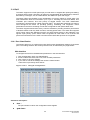
This section explains how to use an AAA (Authentication, Authorization, Accounting) server to
provide access control to your network. The AAA server can be a TACACS+ or RADIUS
server to create and manage objects that contain settings for using AAA servers.
4-6.1 Configuration
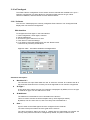
This section describes how to configure AAA settings of TACACS+ or RADIUS servers.
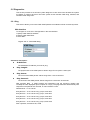
Web Interface
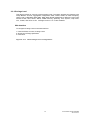
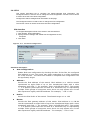
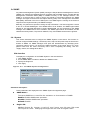
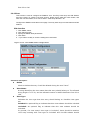
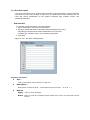
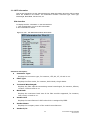
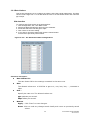
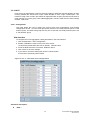
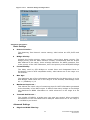
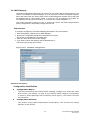
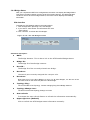
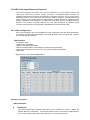
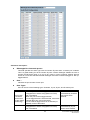
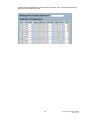
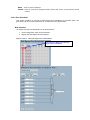
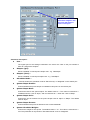
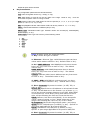
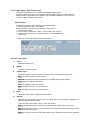
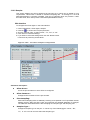
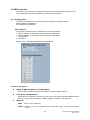
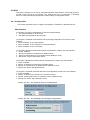
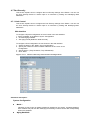
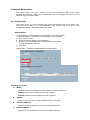
To configure a Common Configuration of AAA in the web interface:
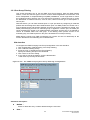
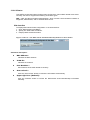
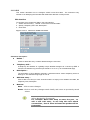
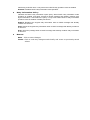
1. Set Timeout (Default is 15 seconds).
2. Set Dead Time (Default is 300 seconds).
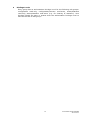
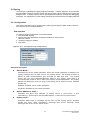
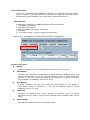
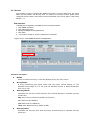
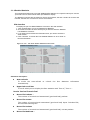
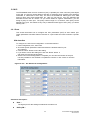
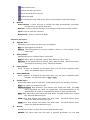
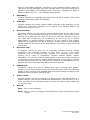
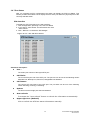
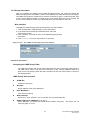
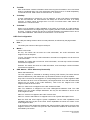
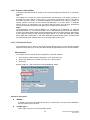
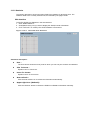
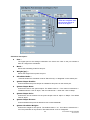
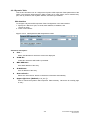
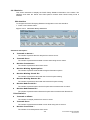
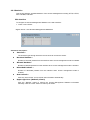
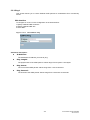
To configure a TACACS+ Authorization and Accounting Configuration of AAA in the web
interface:
1. Select “Enabled” in the “Authorization”.
2. Select “Enabled” in the “Fallback to Local Authorization”.
3. Select “Enabled” in the “Accounting”.
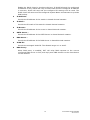
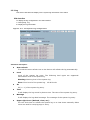
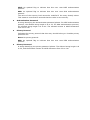
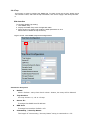
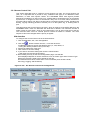
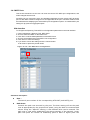
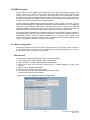
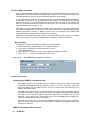
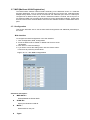
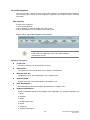
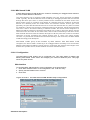
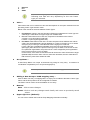
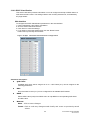
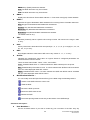
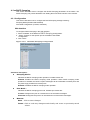
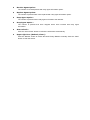
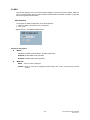
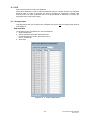
To configure a RADIUS Authentication Server Configuration of AAA in the web interface:
1.. Check “Enabled”.
2. Specify “IP address or Hostname” for Radius Server.
3. Specify “Authentication Port” for Radius Server (Default is 1812).
4. Specify the “Secret” with Radius Server.
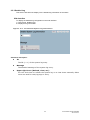
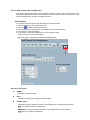
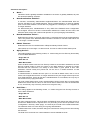
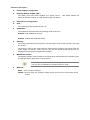
To configure a RADIUS Accounting Server Configuration of AAA in the web interface:
1. Check “Enabled”.
2. Specify “IP address or Hostname” for Radius Server.
3. Specify “Accounting Port” for Radius Server (Default is 1813).
4. Specify the “Secret” with Radius Server.
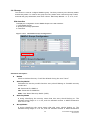
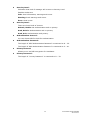
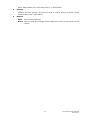
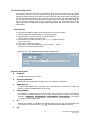
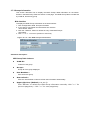
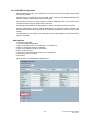
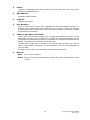
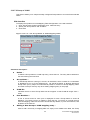
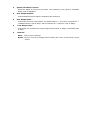
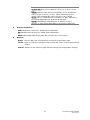
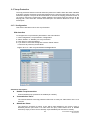
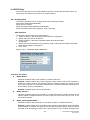
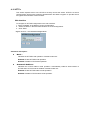
To configure a TACACS+ Authentication Server Configuration of AAA in the web interface:
1. Check “Enabled”.
2. Specify “IP address or Hostname” for TACACS+ Server.
3. Specify “Authentication Port” for TACACS+ Server (Default is 49).
4. Specify the “Secret” with TACACS+ Server.
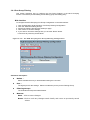
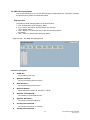
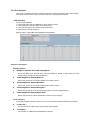
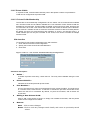
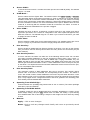
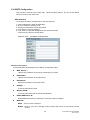
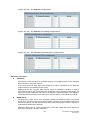
Figure 4-5.3.1: The Common Server Configuration
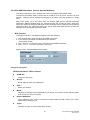
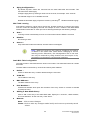
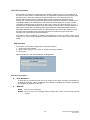
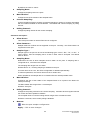
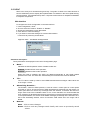
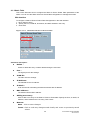
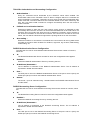
Figure 4-5.3.2: The TACACS+ Accounting Configuration