1
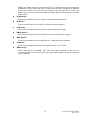
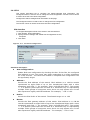
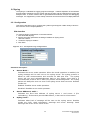
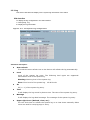
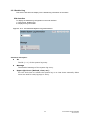
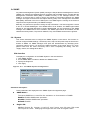
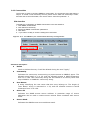
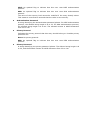
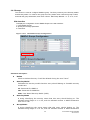
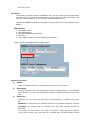
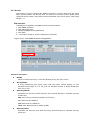
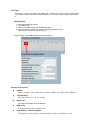
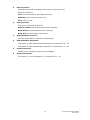
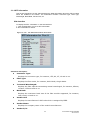
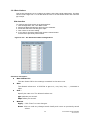
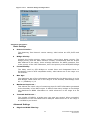
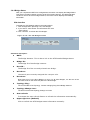
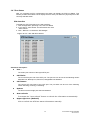
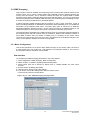
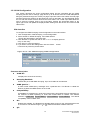
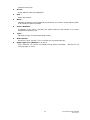
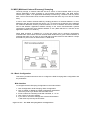
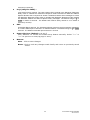
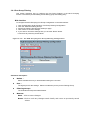
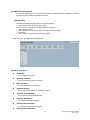
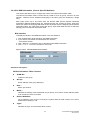
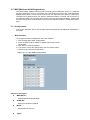
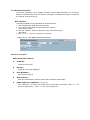
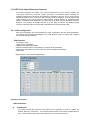
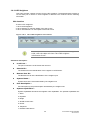
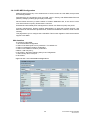
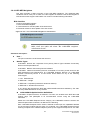
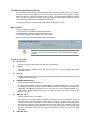
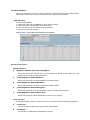
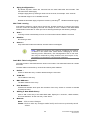
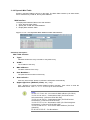
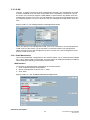
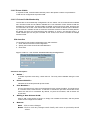
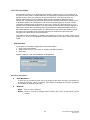
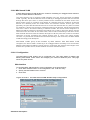
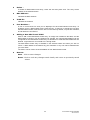
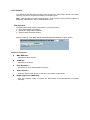
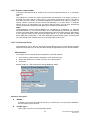
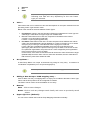
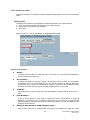
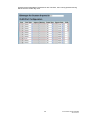
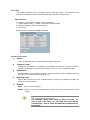
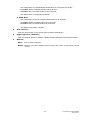
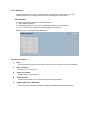
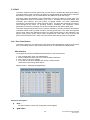
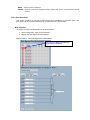
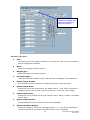
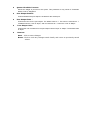
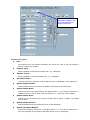
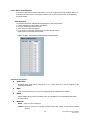
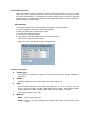
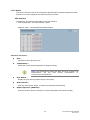
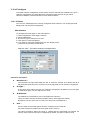
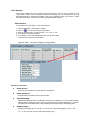
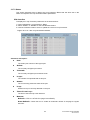
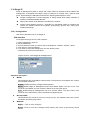
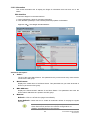
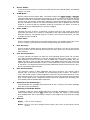
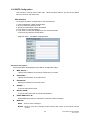
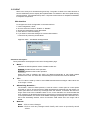
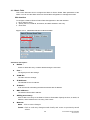
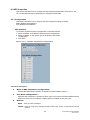
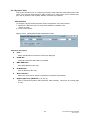
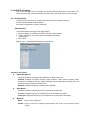
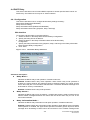
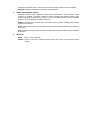
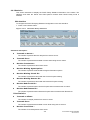
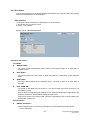
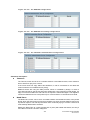
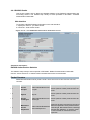
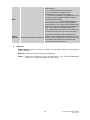
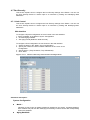
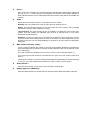
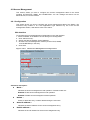
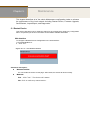
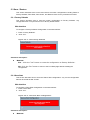
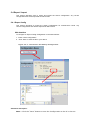
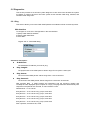
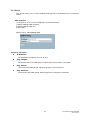
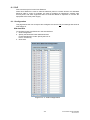
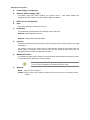
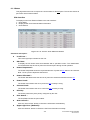
5-2.2 Firmware Selection The switch supports Dual image for firmware redundancy purposes. You can select the firmware image for your device: start firmware or operating firmware. This page provides information about the active and alternate (backup) firmware images in the device, and allows you to revert to the alternate image. Web Interface To configure a Firmware Selection in the web interface: 1. Check “Activate Alternate Image”. 2. Click “OK” to complete firmware selection. Figure 5-2.2: The Firmware Selection Parameter description: Image : The flash index name of the firmware image. The name of the primary (preferred) image is “image”, the alternate image is named “image.bk”. Version : The version of the firmware image. Date : The date when the firmware was produced. Buttons: Activate Alternate Image – Click to use the alternate image. This button may be disabled depending on system state. Cancel - Cancel activating the backup image. Navigates away from this page.