1
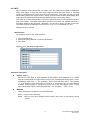
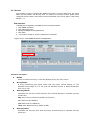
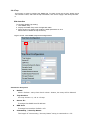
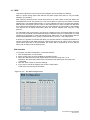
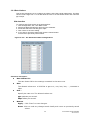
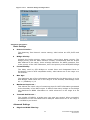
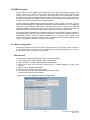
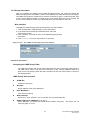
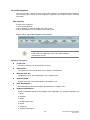
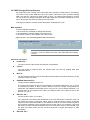
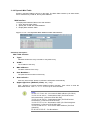
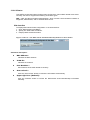
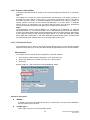
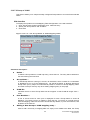
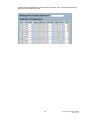
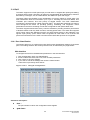
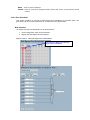
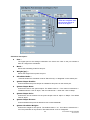
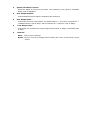
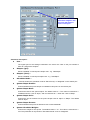
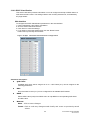
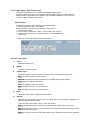
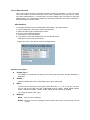
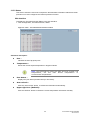
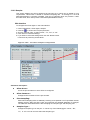
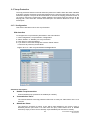
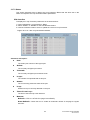
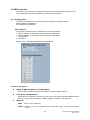
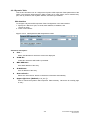
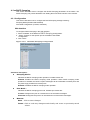
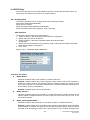
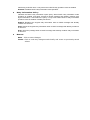
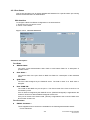
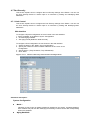
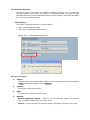
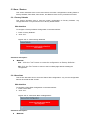
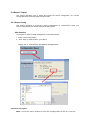
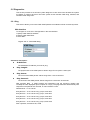
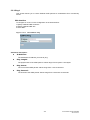
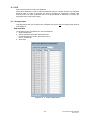
3-3.2.4 Port Statistics This section describes how once the LACP functions have been set, the switch provides a Port Statistics overview for all LACP settings. Web Interface To display the LACP Port Statistics status in the web interface: 1. Click Configuration, LACP, Port Statistics 2. If you want to auto-refresh the information then click the “Auto refresh” button. 3. Click “ Refresh“ to refresh the LACP Statistics. Figure 3-3.2.4: The LACP Statistics Parameter description: Port : The switch port number. LACP Received : Shows how many LACP frames have been received at each port. LACP Transmitted : Shows how many LACP frames have been sent from each port. Discarded : Shows how many unknown or illegal LACP frames have been discarded at each port. Auto-refresh: Click to refresh the information automatically. Upper right icon (Refresh, Clear) Click to refresh the LACP port statistics information or clear manually. 62 SG72660M & SG72660MP Revision A3