1
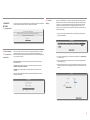
3.5.2 MAC Address
Filtering
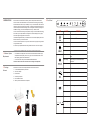
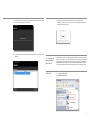
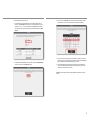
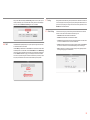
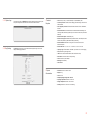
MAC Address Filtering allows you to restrict network access based on MAC addresses.
When this feature is activated, the clients whose MAC addresses are on the list will have
their access to the Air 4450 blocked.
To restrict access based on MAC Address:
• Check the “Enable MAC Filtering” box.
• Enter a MAC address or choose from the list of existing clients and click “Add”.
• Click “Save”.
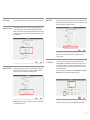
3.5.4 Anti-DoS
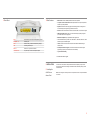
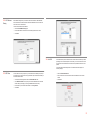
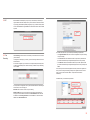
The Anti-DOS feature prevents “Denial of Service” attacks that aim to disable your device
by flooding it with connection requests. In this window, you can set the maximum number
of connections that will be allowed from the Internet for a specified time interval for each
protocol.
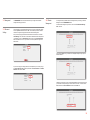
The Anti-DoS feature is disabled by default. To enable Anti-DoS and configure the
necessary settings:
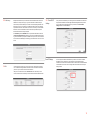
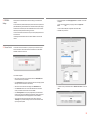
3.5.3 URL Filters
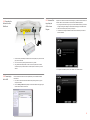
You can block access of any computer in your local network to the websites you specify. In
this window, you can enter the URL or any keyword that is part of the URL for websites you
would like to block access to.
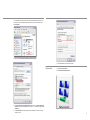
• Check the “Enable Anti-DoS” box.
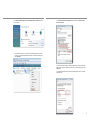
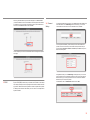
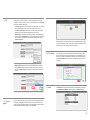
• To activate the URL filtering feature check the “Enable URL Filter” box.
• Click “Save”.
• In the “SELECT CLIENT” section, specify the IP or MAC addresses of the clients that
the URL filtering rule will apply to, clicking the “Add” button after each entry.
• Enter the maximum number of connections that will be allowed over the LAN and
Internet.
• Enter the URL’s you would like to block access to in the “Keyword” list.
• Click “Save”.
21