1
September 2005
Installation, configuration, activation, and registration
3
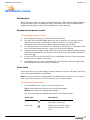
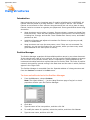
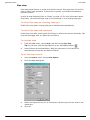
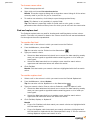
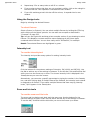
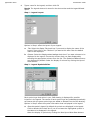
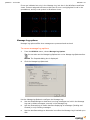
Follow the steps in the Installation Wizard.
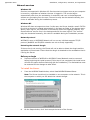
Installing an In-Place update
If you already have a previous release of WYSIWYG installed on your computer, you can
easily update to the current release by installing an in-place update. This update allows
you to enhance a version of WYSIWYG that is a maximum of two releases back from the
current release. You do not have to uninstall the previous version of WYSIWYG to
perform the update.
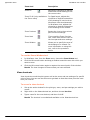
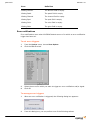
To install an in-place update
1
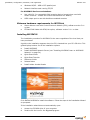
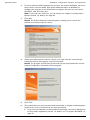
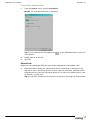
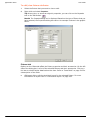
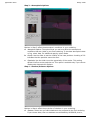
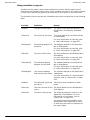
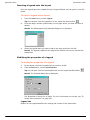
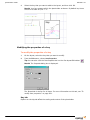
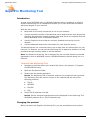
From the WYSIWYG Install window, select Install WYSIWYG.
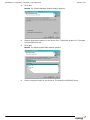
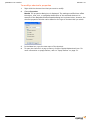
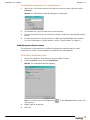
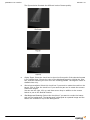
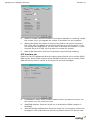
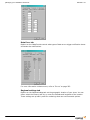
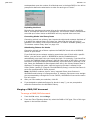
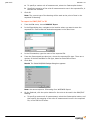
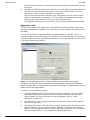
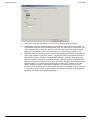
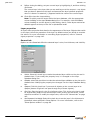
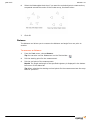
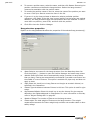
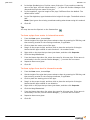
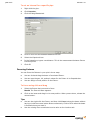
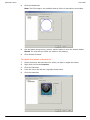
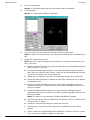
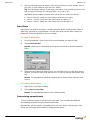
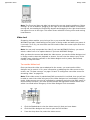
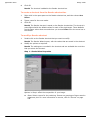
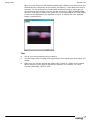
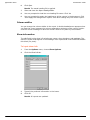
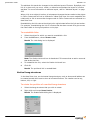
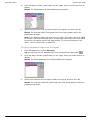
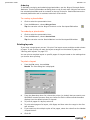
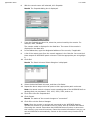
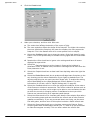
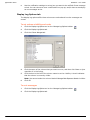
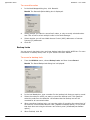
Result: If you have more than one release installed on your computer, the
following dialog box is displayed. If you have only one release installed, skip to
step 4.
2
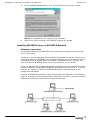
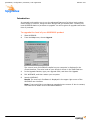
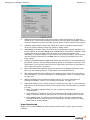
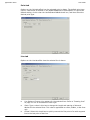
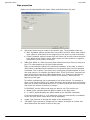
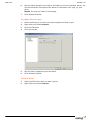
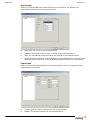
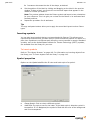
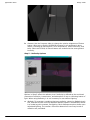
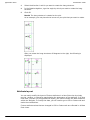
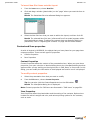
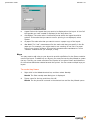
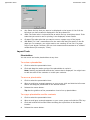
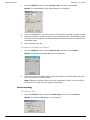
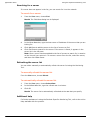
Select Update the product selected below.
3
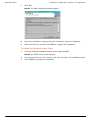
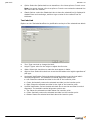
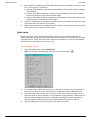
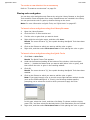
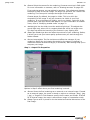
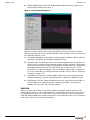
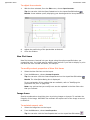
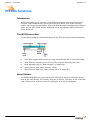
From the list of WYSIWYG releases, highlight the release that you want to update,
and then click Next.
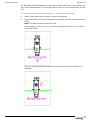
4
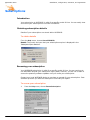
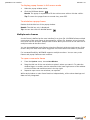
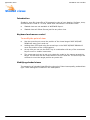
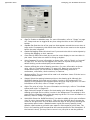
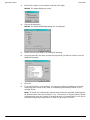
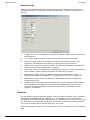
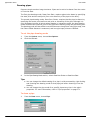
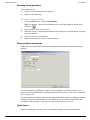
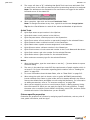
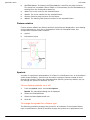
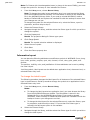
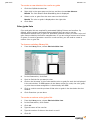
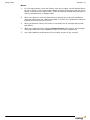
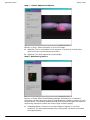
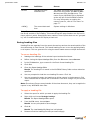
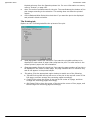
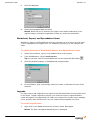
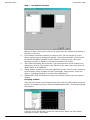
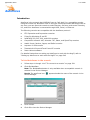
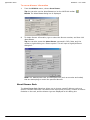
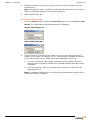
On the WYSIWYG Update window, select Next.
WYSIWYG Reference Guide
33