1
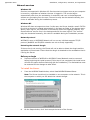
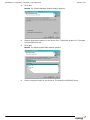
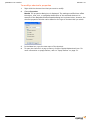
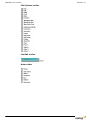
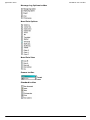
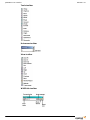
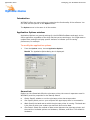
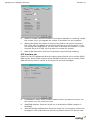
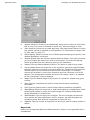
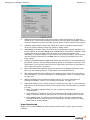
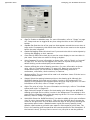
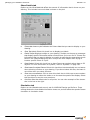
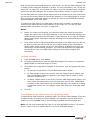
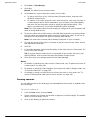
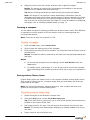
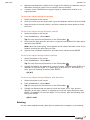
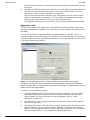
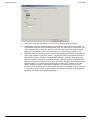
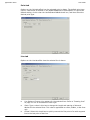
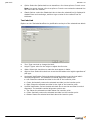
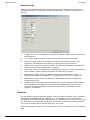
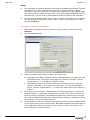
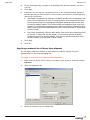
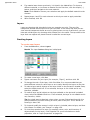
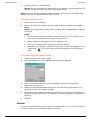
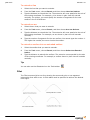
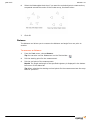
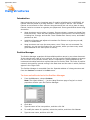
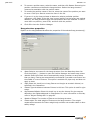
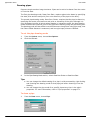
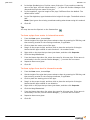
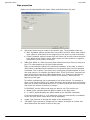
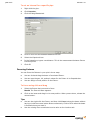
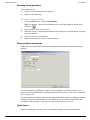
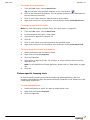
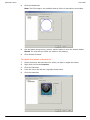
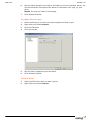
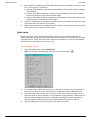
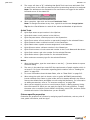
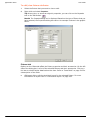
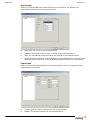
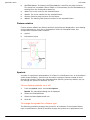
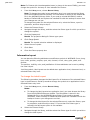
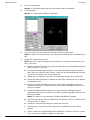
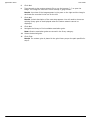
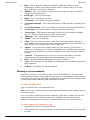
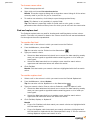
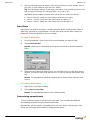
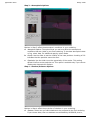
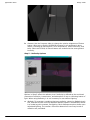
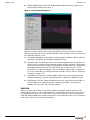
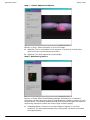
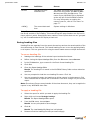
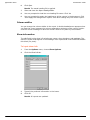
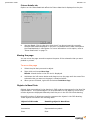
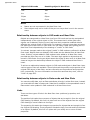
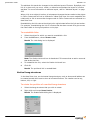
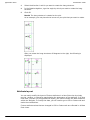
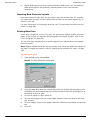
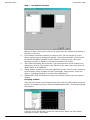
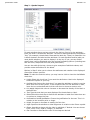
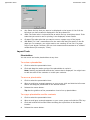
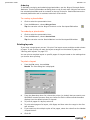
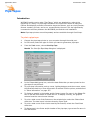
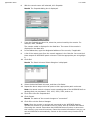
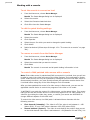
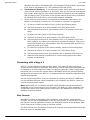
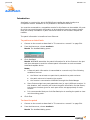
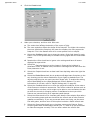
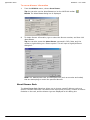
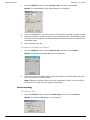
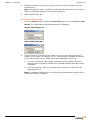
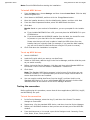
September 2005 WYSIWYG user interface General tab Options on the General tab affect the current scene. Name: Name of the wireframe view. Follow User Scene: Select this check box to use the currently selected scene. Click to clear this check box, and then select the desired scene from the Scenes drop-down list. To learn more about scenes, refer to “Editing objects” on page 138. Tip: You can also change the current scene at any time by using the drop-down list on the Scene toolbar. Draw Options tab Options on the Draw Options tab affect the draw defaults. This tab is similar in function to the Draw Defaults tab available in User Options. For more information on the Draw Defaults tab, refer to “Draw Defaults tab” on page 94. Use User Defaults: Select this check box to reference the options selected on the Draw Defaults tab of User Options. Click to clear the Use User Defaults check box to make specific changes for the active view. Get User Defaults: Retrieves the values set on the Draw Defaults tab of User Options. View Type tab Options on the View Type tab affect the plot type of the active view. WYSIWYG Reference Guide 69