1
Maxgaming Qld
Card Accounts User Guide
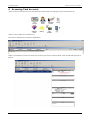
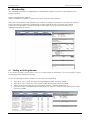
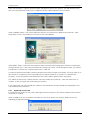
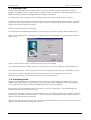
In the Player Point Maintenance window, select the type of points to redeem (normally bonus
points).
Click on the Redeem button (or press F3).
If redemption is not allowed, the Redeem button will be grayed out. If there is no balance, only
Adjust will be available.
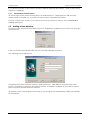
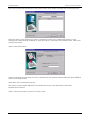
Select an item from the list of available items shown in the next screen (these will have been
entered via Manager Utilities/Redemption Items).
Select the number of items from the Quantity to redeem box. Click Next.
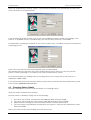
If there are not enough points available for the redemption, you will get an error message
displaying the shortfall (in RED). If this is the case, click on the Back button to change the item or
the number of items if more than one or click Cancel to cancel the redemption.
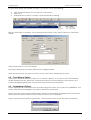
If the redemption is valid, you can print the voucher the patron will need to redeem the item.
Type or edit comments in the Comments fields if relevant to redeeming that item (you can save
these comments for future items by clicking on the Save Comments button).
Click the Finish button and once the transaction has processed click Yes in the confirmation popup.
The item's value in points will be deducted from the patron's available points and a voucher is
printed for the patron on the selected printer. The patron can present this voucher in order to claim
the item. Their balance is updated and you are returned to the Patron Maintenance window.
Click on the Close button or press F12 or Esc to exit.
29