1
Mediadent User manual 20120213
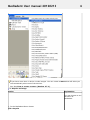
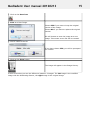
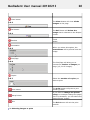
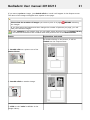
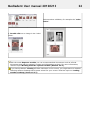
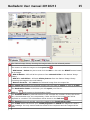
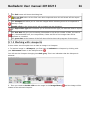
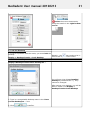
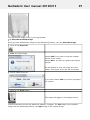
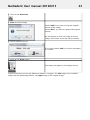
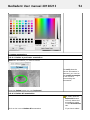
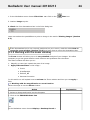
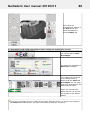
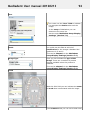
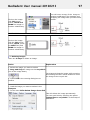
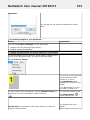
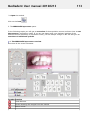
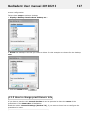
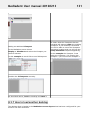
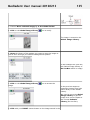
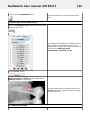
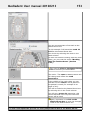
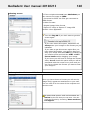
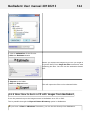
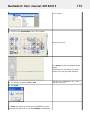
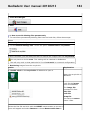
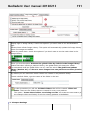
3. Click the Delete button.
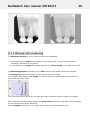
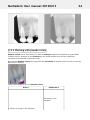
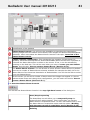
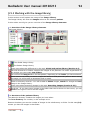
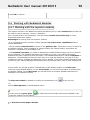
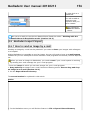
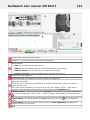
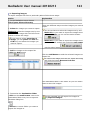
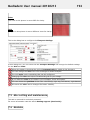
3.2 Working with images
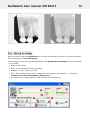
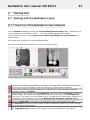
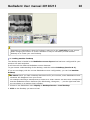
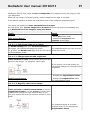
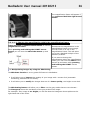
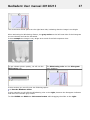
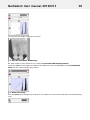
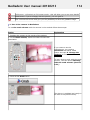
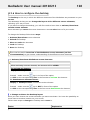
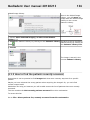
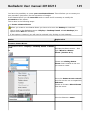
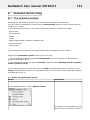
In this section you will learn the different manipulation you can do make on an image so it
serves your diagnosis better.
We will start with the basic manipultation. This is a great starting point if you have just
started using Mediadent.
Afterwards if you want you can take a closer look at certain topics.
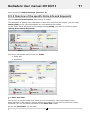
3.2.1 Great overview:
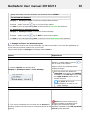
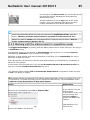
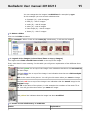
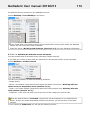
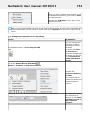
1. Basic manipulation of the images (Section 2.3)
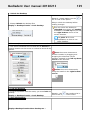
3.2.2 More detail on working with the different features
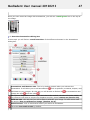
2. Working with Windowing (Section 3.2.2)
3. Working with Pseudo Colors (Section 3.2.3)
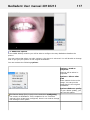
4. Working with the Zoom Window (Section 3.2.5)
5. Working with Annotations (Section 3.2.4)
6. Working with the Region of Interest (Section 3.2.6)
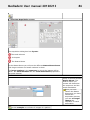
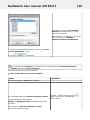
3.2.3 More advanced manipulation of the images:
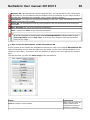
7. Working with the Optimize feature (Section 3.2.8)
8. Working with Filters (Section 3.2.7)
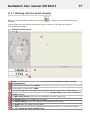
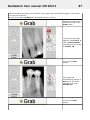
3.2.1 Working with images
34