1
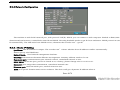
5.2.5 Network Configuration
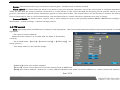
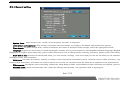
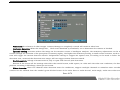
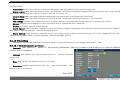
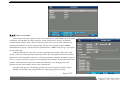
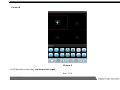
The machine is with RJ45 network port, with protocol TCP/IP, DHCP; you can connect it with computer. Embed in IP88,3322 mobile
domain analysis function, it suitablefor static IP and DHCP. IP Config Available modes to get IP: Auto and Static. DHCP protocol is used to get
IP automatically. The LAN must have DHCP server, otherwise the recorder can’t get IP.
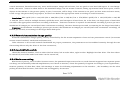
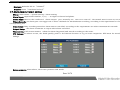
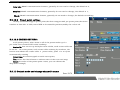
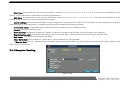
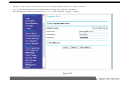
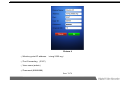
5.2.5.1 Static IP Setting
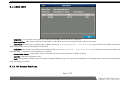
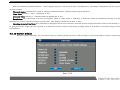
Ipaddress: This IP address is unique. The recorder can’t detect whether there IP address conflict automatically.
Please specify valid IPaddress.
Subnet Mask: Used tomark netsegments ofsubnet.
Gateway: Communicate between different net segments. Gateway address needs to be set.
Command port: communication port network control, centralized network to use.
HTTP PORT: IE access port, port 80 is closed is our country, please change into 81 or 82 or 83 .
Data port: port image data transmission, centralized network use.
Intercom port: intercom audio port, network intercom use.
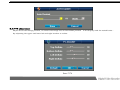
DNS: It is special domain name service software. The device will get a dynamic IP address when it
Page 40/78