1
USB Upgrade
7-43
Chapter 7: Attendants
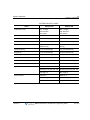
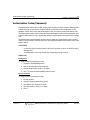
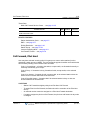
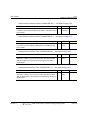
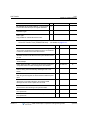
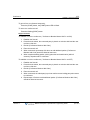
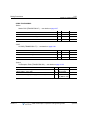
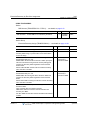
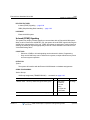
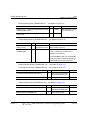
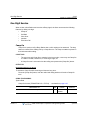
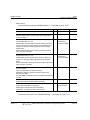
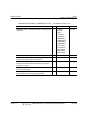
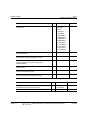
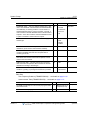
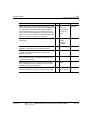
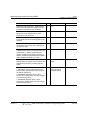
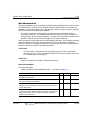
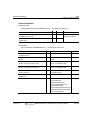
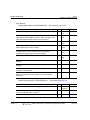
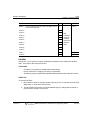
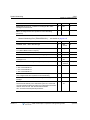
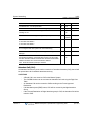
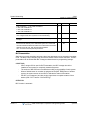
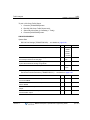
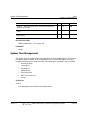
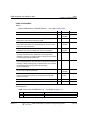
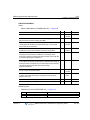
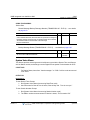
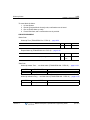
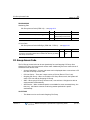
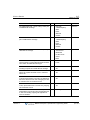
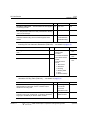
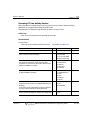
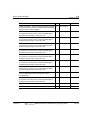
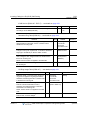
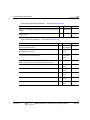
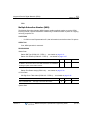
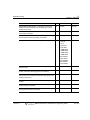
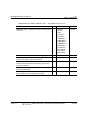
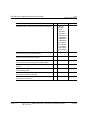
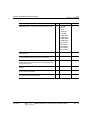
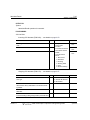
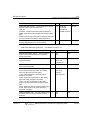
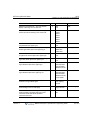
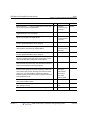
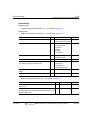
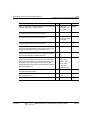
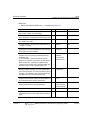
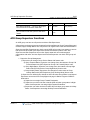
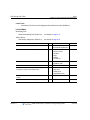
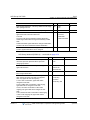
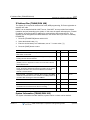
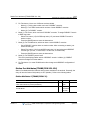
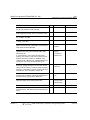
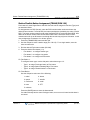
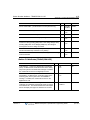
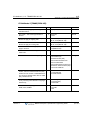
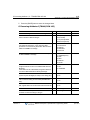
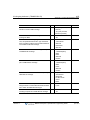
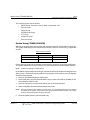
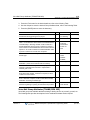
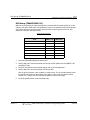
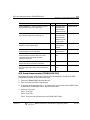
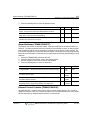
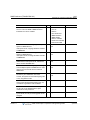
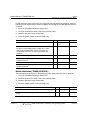
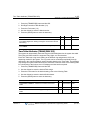
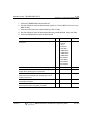
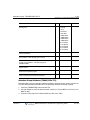
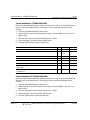
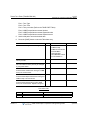
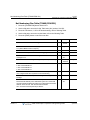
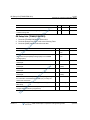
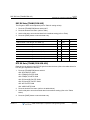
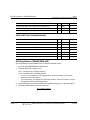
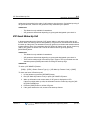
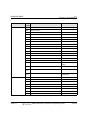
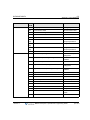
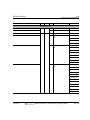
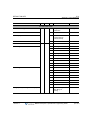
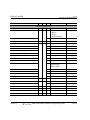
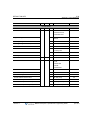
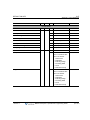
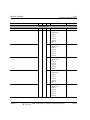
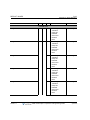
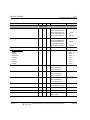
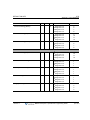
Attendant Group Assign (PGM 270) System Data … see details on page A-118
PGM 270
BTN
RANGE
DEFAULT
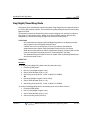
ATTD GR TYPE -- Defines the type of Attendant group.
1
0
0: Terminal
1: Circular
2: Ring
3: Longest Idle
ATTD GR NAME -- Defines the name of attendant group.
2
Max 16
-
CO ATD NUMBER -- Defines attendant call number for CO line.
3
Max 4
-
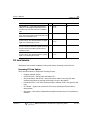
MEMBER ASG -- Assigns stations as members of an Attendant
group.
4
-
First Station
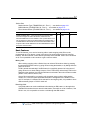
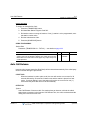
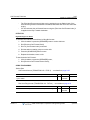
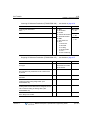
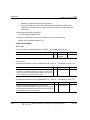
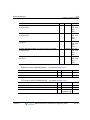
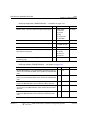
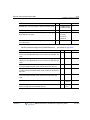
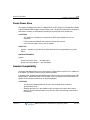
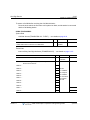
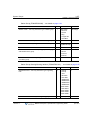
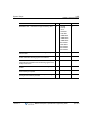
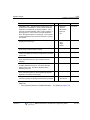
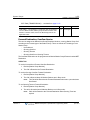
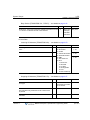
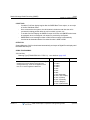
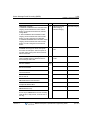
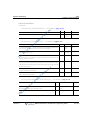
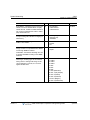
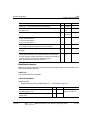
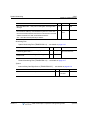
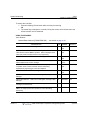
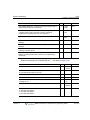
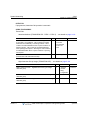
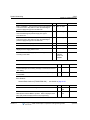
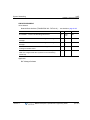
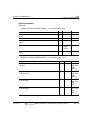
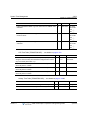
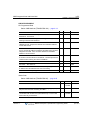
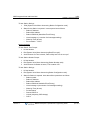
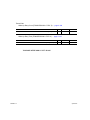
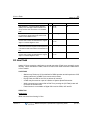
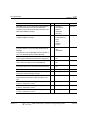
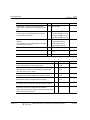
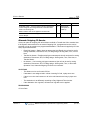
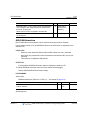
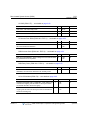
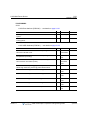
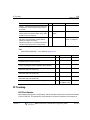
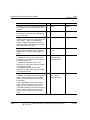
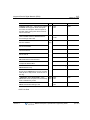
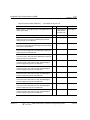
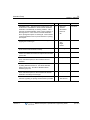
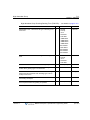
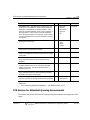
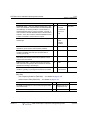
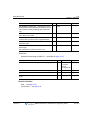
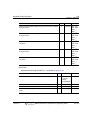
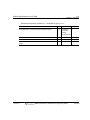
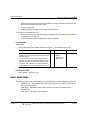
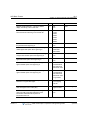
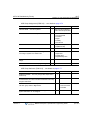
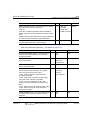
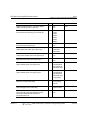
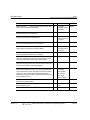
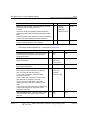
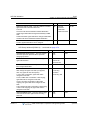
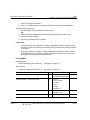
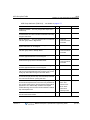
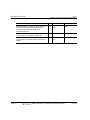
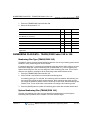
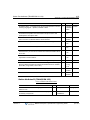
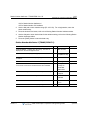
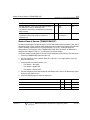
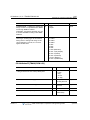
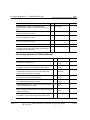
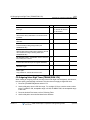
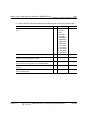
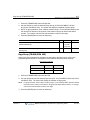
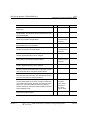
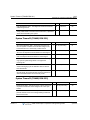
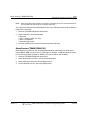
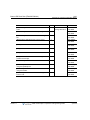
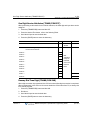
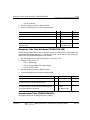
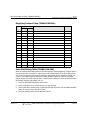
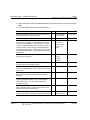
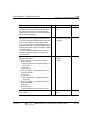
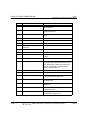
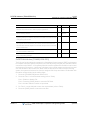
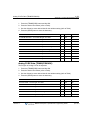
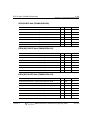
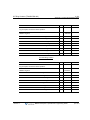
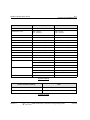
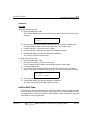
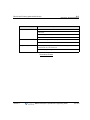
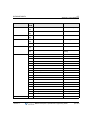
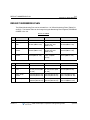
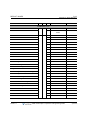
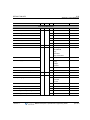
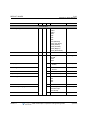
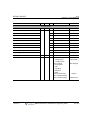
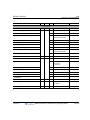
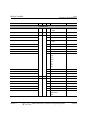
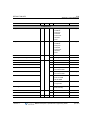
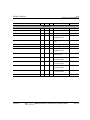
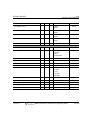
System Date & Time (PGM233) … see details on page A-94
PGM 233
BTN
RANGE
DEFAULT
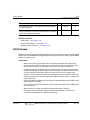
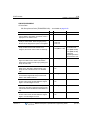
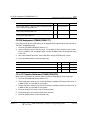
SET SYSTEM TIME/DATE -- Sets the system time.
1
HH:MM
-
SET SYSTEM TIME/DATE -- Sets the system date.
2
MMDDYY
-
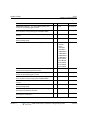
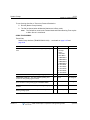
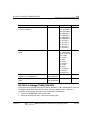
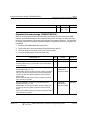
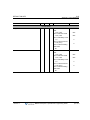
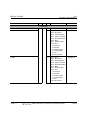
DST ENABLE MODE -- Enables DST feature for System
Time.
3
0:Off
1:On
0:Off
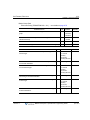
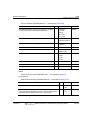
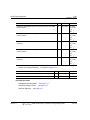
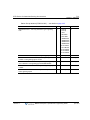
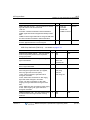
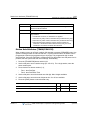
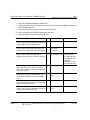
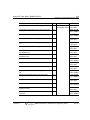
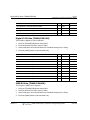
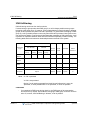
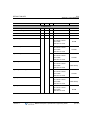
- DST START TIME -- The DST start time.
- DST END TIME -- The DST end time.
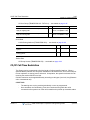
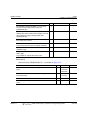
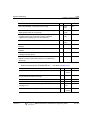
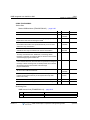
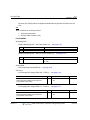
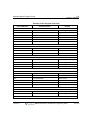
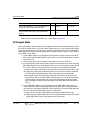
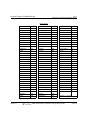
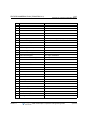
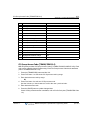
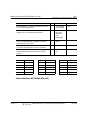
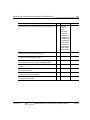
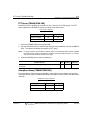
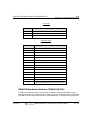
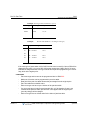
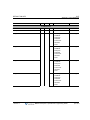
Web See DST Table
Only
See DST Table
2nd Sunday of
March at 2:00 AM
1st Sunday in
Nov., at 2:00 AM
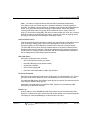
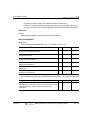
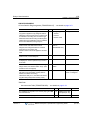
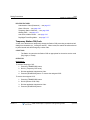
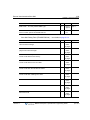
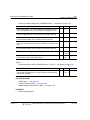
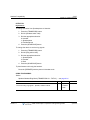
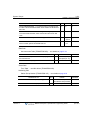
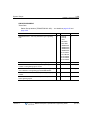
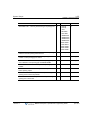
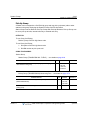
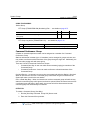
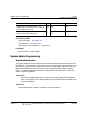
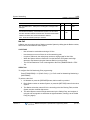
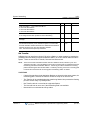
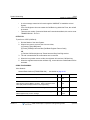
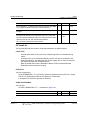
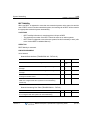
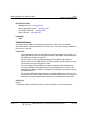
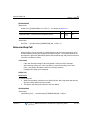
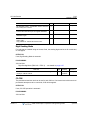
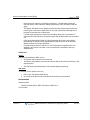
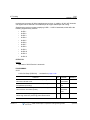
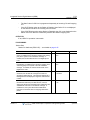
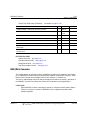
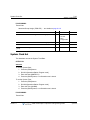
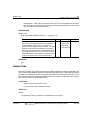
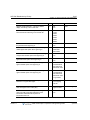
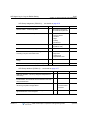
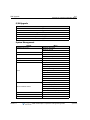
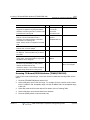
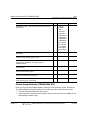
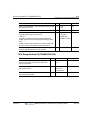
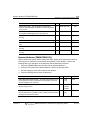
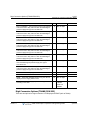
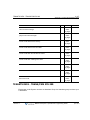
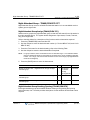
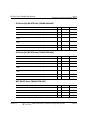
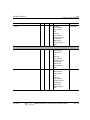
RELATED FEATURES
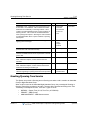
Least Cost Routing (LCR) … see page 3-112
Station Message Detail Recording (SMDR) … see page 3-187
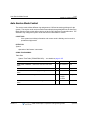
Auto Service Mode Control … see page 3-10
Day/Night/Timed Ring Mode … see page 7-37
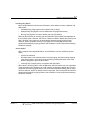
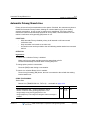
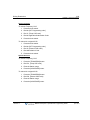
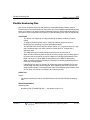
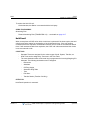
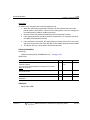
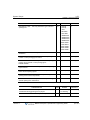
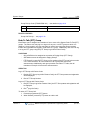
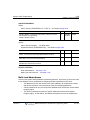
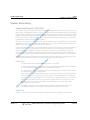
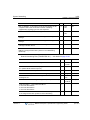
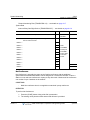
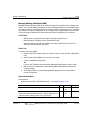
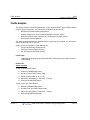
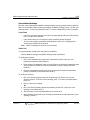
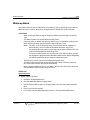
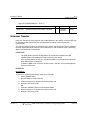
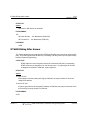
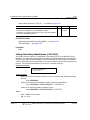
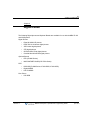
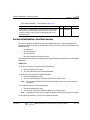
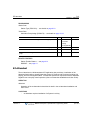
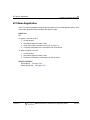
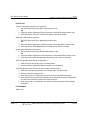
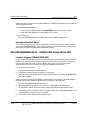
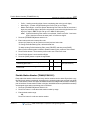
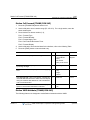
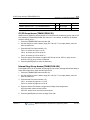
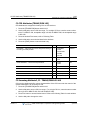
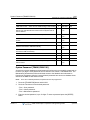
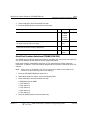
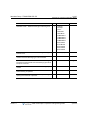
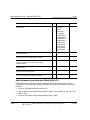
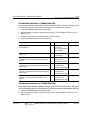
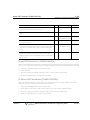
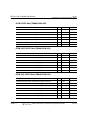
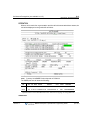
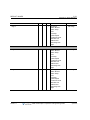
USB Upgrade
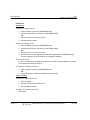
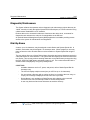
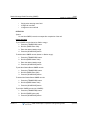
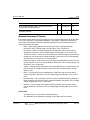
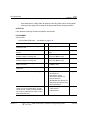
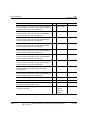
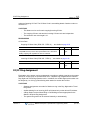
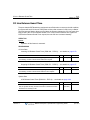
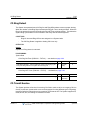
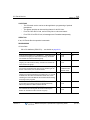
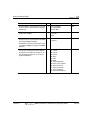
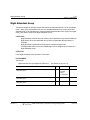
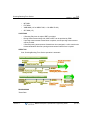
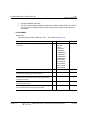
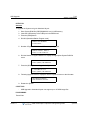
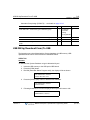
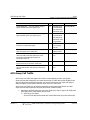
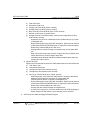
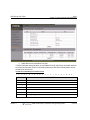
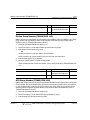
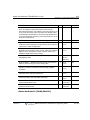
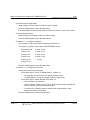
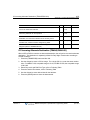
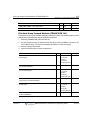
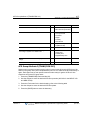
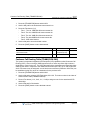
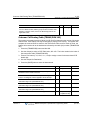
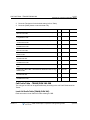
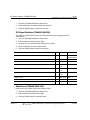
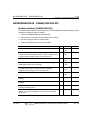
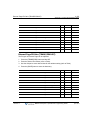
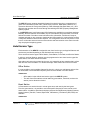
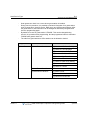
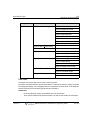
The Attendant can upgrade the System via USB memory. USB upgrade could be executed
using the Attendant Keyset. Before upgrading, a User must save the System ROM file
(GS55(56)MXXXX.rom) in USB memory.
Release 1.7
MBX IP Description / Operations & Programming Guide
April 2012