1
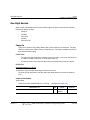
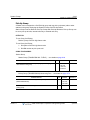
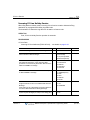
Station ICLID Call Routing
6-23
Chapter 6: Digital Phone
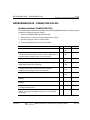
PROGRAMMING
System Data
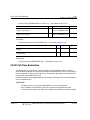
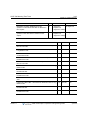
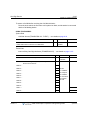
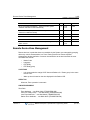
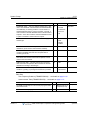
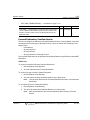
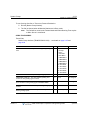
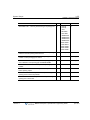
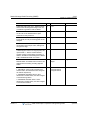
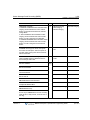
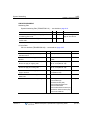
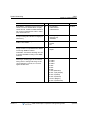
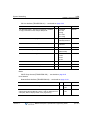
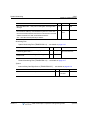
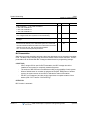
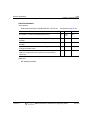
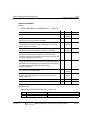
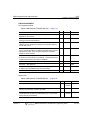
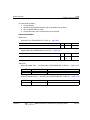
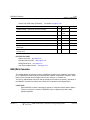
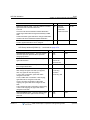
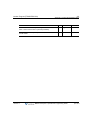
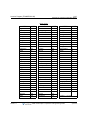
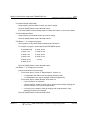
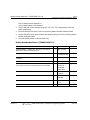
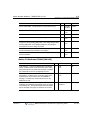
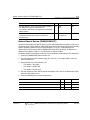
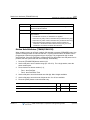
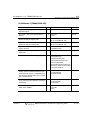
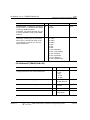
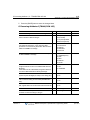
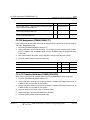
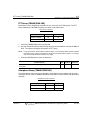
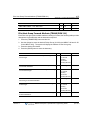
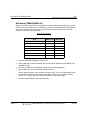
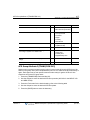
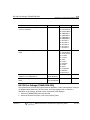
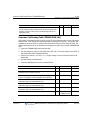
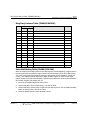
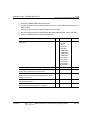
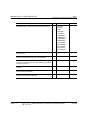
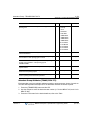
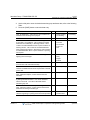
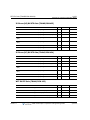
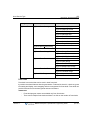
LED Data (PGM 234) … see details on page A-95
Station Data
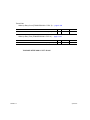
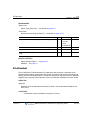
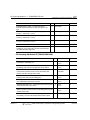
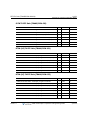
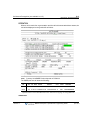
Station Flexible Button (PGM 126) … see details on page A-29
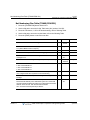
HARDWARE
Digital Phone
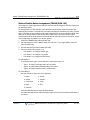
Station ICLID Call Routing
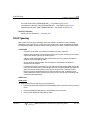
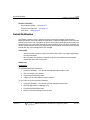
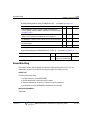
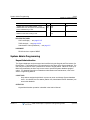
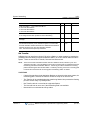
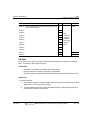
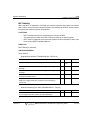
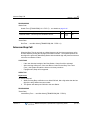
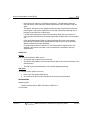
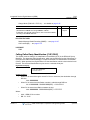
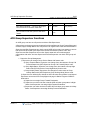
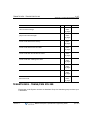
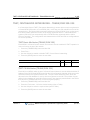
The Station can employ Incoming Calling Line ID (ICLID) to determine appropriate routing
for Incoming External Calls.
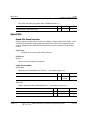
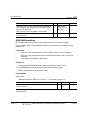
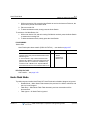
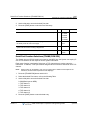
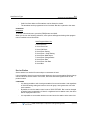
CONDITIONS
-
If the received ICLID does not match an entry in the Station ICLID List, the Station will
receive CO/IP Line Ringing.
-
This feature applies to all digital and analog CO Lines.
-
The ICLID received from the CO/IP Line must be a telephone number to match a
station ICLID List.
-
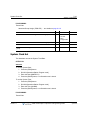
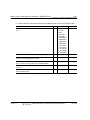
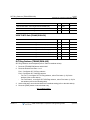
Each Station can have 10 ICLID numbers individually.
OPERATION
Digital Phone
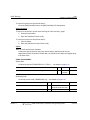
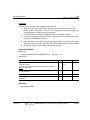
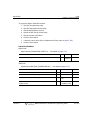
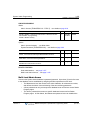
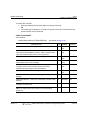
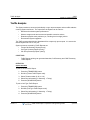
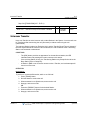
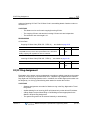
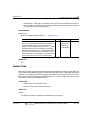
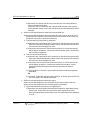
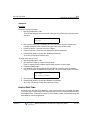
To assign ICLID at the Station:
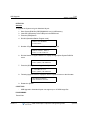
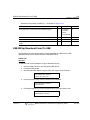
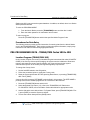
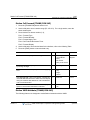
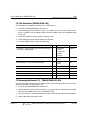
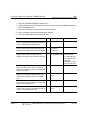
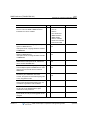
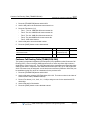
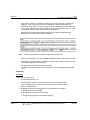
1. Press [PGM] button and Dial 71, then the empty ICLID bin automatically will be
allocated.
2. Enter ICLID and press [SAVE] button.
3. Enter the Routing Destination, and press the [SAVE] button.
NOTE:
Routing Destination can be a Station number, Hunt Group number or VMIB
Forward code.
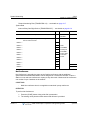
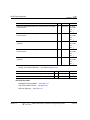
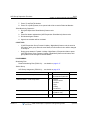
To view the assigned ICLID at the Station:
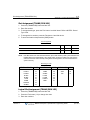
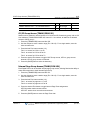
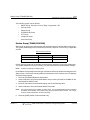
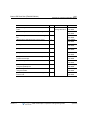
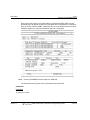
1. Press [PGM] button and dial 72; ICLID information is displayed.
2. Press [VOLUMN UP/DOWN] to view the ICLID List.
Release 1.7
MBX IP Description / Operations & Programming Guide
April 2012