1
Chapter 5
Troubleshooting
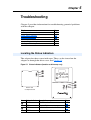
Chapter 5 provides information for troubleshooting potential problems
with the adapter.
Topic
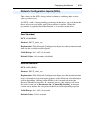
Locating the Status Indicators
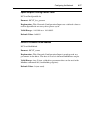
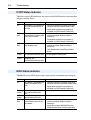
PORT Status Indicator
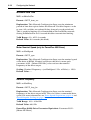
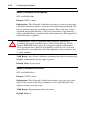
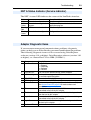
MOD Status Indicator
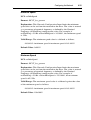
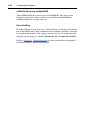
NET A Status Indicator (Service Indicator)
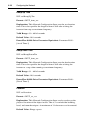
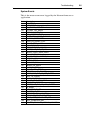
Adapter Diagnostic Items
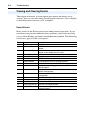
Viewing and Clearing Events
Page
5-1
5-2
5-2
5-3
5-3
5-4
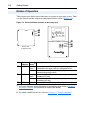
Locating the Status Indicators
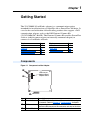
The adapter has three status indicators. They can be viewed on the
adapter or through the drive cover. See Figure 5.1.
Figure 5.1 Status Indicators (location on drive may vary)
➊
➋
➌
➊
➋
➌
Bottom side
of adapter board
Item Status Indicator Description
DSI Connection Status
➊ PORT
Page
5-2
➋
➌
➍
MOD
Adapter Status
5-2
NET A
LonWorks Communication Status
5-3
NET B
Not used for LonWorks
—