1
Starting and Managing Processes
CEMDPS User Guide
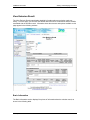
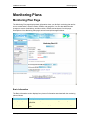
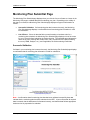
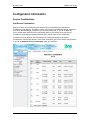
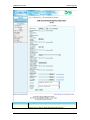
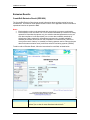
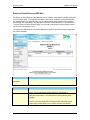
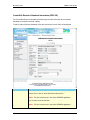
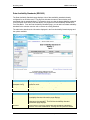
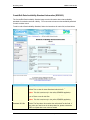
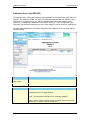
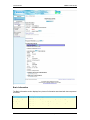
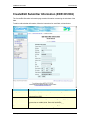
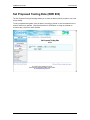
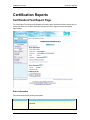
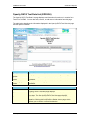
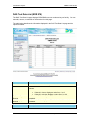
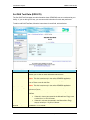
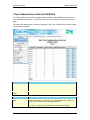
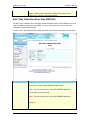
Basic Information
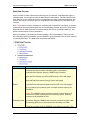
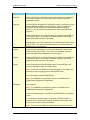
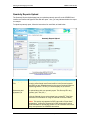
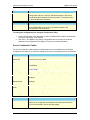
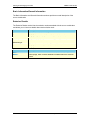
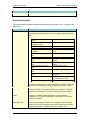
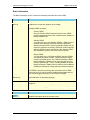
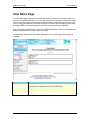
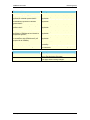
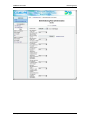
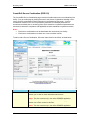
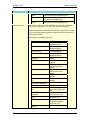
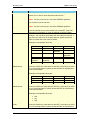
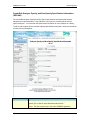
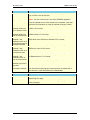
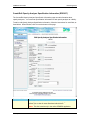
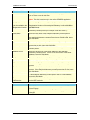
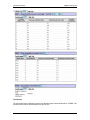
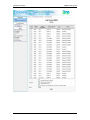
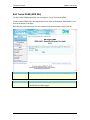
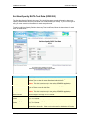
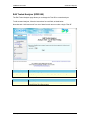
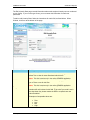
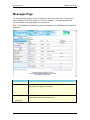
The Basic Information section contains the following information about the CEMS:
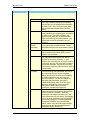
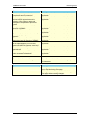
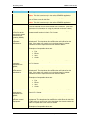
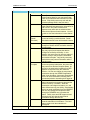
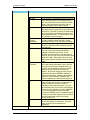
Field Label
Description
Emission Result
Displays the emission result with which the CEMS is associated.
DEP ID
Displays the unique DEP identifier of the CEMS.
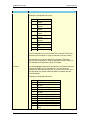
Type
Indicates whether the CEMS is the Primary CEMS, or a Backup or
Standby CEMS as follows:
Primary CEMS
Only one Primary CEMS is allowed. Data from this CEMS
must be reported unless they are invalid and other Standby or
Backup CEMSs exist.
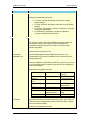
Standby CEMS
You may have one to 100 Standby CEMSs. CEMSs must be
installed and undergoing all normal operation and quality
assurance requirements. Data from Standby CEMSs may be
used if the data from the Primary CEMS are invalid. Data from
Standby CEMSs must be used from the first Standby CEMS
with valid data in number order from lowest to highest.
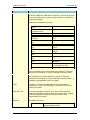
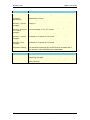
Revision #
CEMS Manual
Revision #
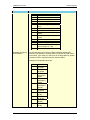
Penalty Factor
Phase 1 Submitted
Backup CEMS
You may have one to 100 Backup CEMSs. Backup CEMSs
are installed only when needed. Quality assurance checks
must be conducted prior to use of data from Backup CEMSs.
Data from Backup CEMSs may be used if the data from the
Primary CEMS and all -- if any -- Standby CEMSs are invalid.
Data from Backup CEMSs must be used from the first Backup
CEMS with valid data in number order from lowest to highest.
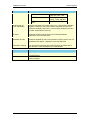
Displays the revision number for the CEMS. The revision number for
the CEMS in the initial monitoring plan information for the CEMS
should be zero (0) with the revision number incremented whenever
the monitoring plan information for the CEMS is changed.
Displays the CEM Manual Revision Number under which the CEMS
was obtained or is requesting approval.
Displays the penalty factor for the CEMS.
Phase 3 Approved
Indicates the date on which the CEMS was submitted for Phase 1
approval.
Indicates the date on which the CEMS received Phase 3 approval.
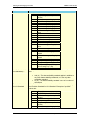
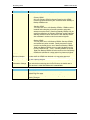
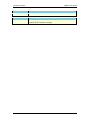
Opacity/Non-Opacity
Indicates whether the CEMS is opacity or non-opacity.
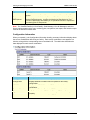
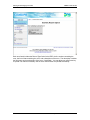
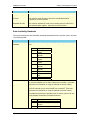
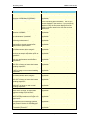
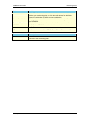
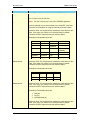
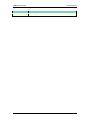
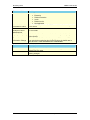
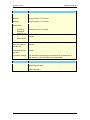
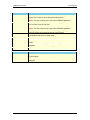
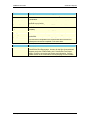
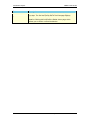
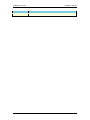
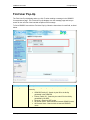
Button
Description
Clicking this button opens the View Emission Result page with more
detailed information about the emission result.
56
PA Department of Environmental Protection