1
CEMDPS User Guide
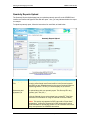
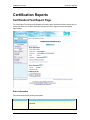
Certification Reports
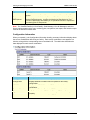
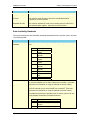
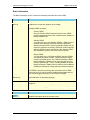
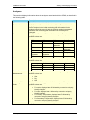
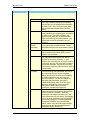
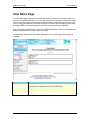
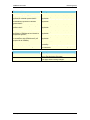
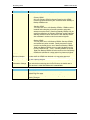
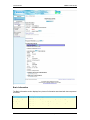
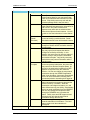
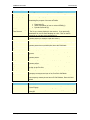
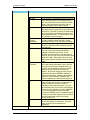
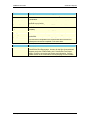
Button
Description
Add
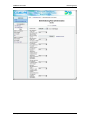
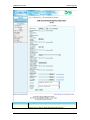
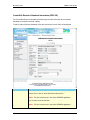
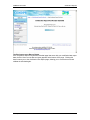
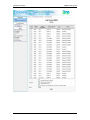
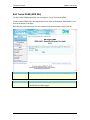
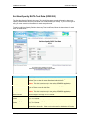
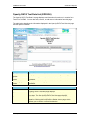
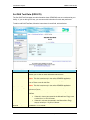
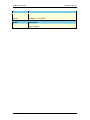
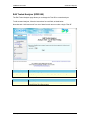
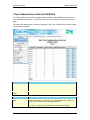
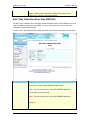
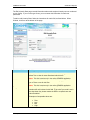
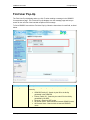
Click ADD to enter a new test run for DAS test data. The Set DAS
Test Data page displays.
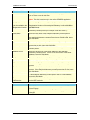
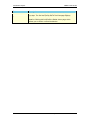
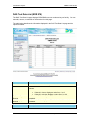
Click EDIT next to the appropriate test run to make changes to that
run data. The Set DAS Test Data page displays.
Click REMOVE next to the appropriate test run to remove it from the
data list. Clicking this link opens the Delete <Item> page, which
allows you to confirm or cancel the deletion.
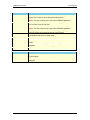
Edit
Remove
PA Department of Environmental Protection
173