1
Navigating the Site
CEMDPS User Guide
Left Menu Bar
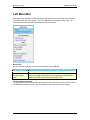
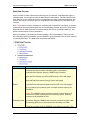
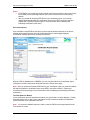
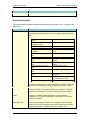
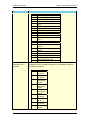
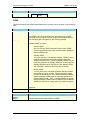
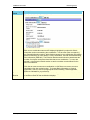
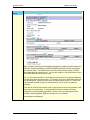
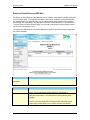
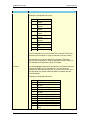
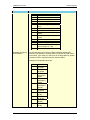
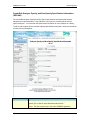
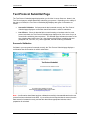
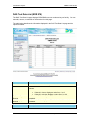
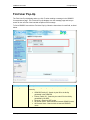
Each page in the CEMDPS includes a menu bar with links to common activities and important
information within the online system. The menu displays on the left side of each page. The
following sections describe the links available on the left menu bar.
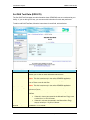
Quick Links
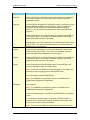
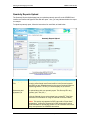
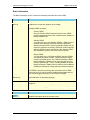
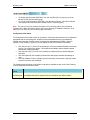
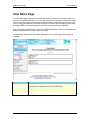
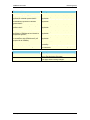
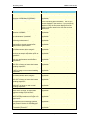
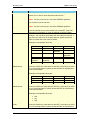
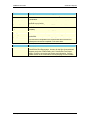
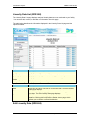
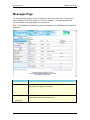
Quick Links offer a fast way to access common pages in the CEMDPS.
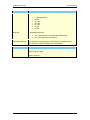
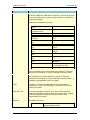
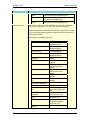
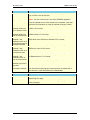
Link
Home
Create
Synchronization
Files
Description
Returns you to the CEMDPS facility home page.
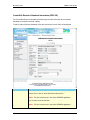
Opens the Download Synchronization Files page, which allows users
using the CEMDPS disconnected client application to download the
latest internal DEP codes file and configuration file.
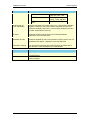
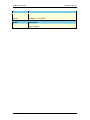
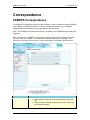
Correspondence and Inbox
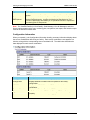
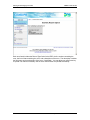
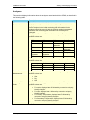
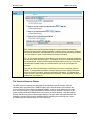
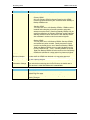
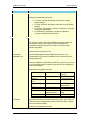
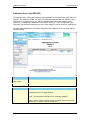
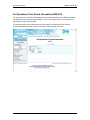
The Correspondence and Inbox areas, which appear under the Left Menu Bar, provide access to
the CEMDPS messaging system. See Correspondence and Inbox for more information.
12
PA Department of Environmental Protection