1
2.1.2.
Connecting the AC Power Supply
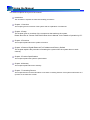
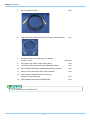
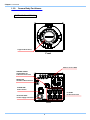
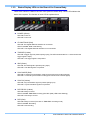
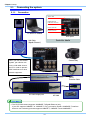
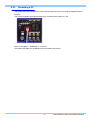
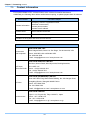
Connect the supplied AC power supply unit to the power supply.
1, 6
2
3
4
5
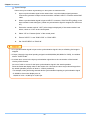
1.
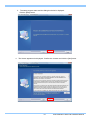
Confirm the Power SW is turned off.
2.
Connect the2m DC Extension cable to the “DC22-32V” connector on the back of the camera
body.
3.
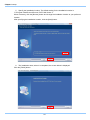
Connect the 2m DC Extension cable to AC power supply unit.
4.
Connect the AC cable to the AC power supply unit.
5.
Connect the AC cable to the power outlet.
6.
Turn on the Power SW one the system.
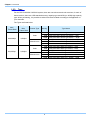
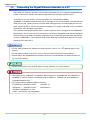
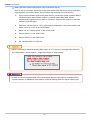
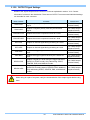
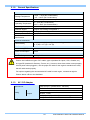
• For the specification of the power supply which can be used, refer to “5.1.2. General Specifications”,
page 59.
• When you use the camera system, put a ferrite core on the AC cable the camera in order to prevent
EMC interference to other electric equipment.
15
FASTCAM Mini UX50/100 Hardware Manual