1
16 Application Defaults Editor
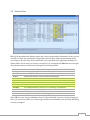
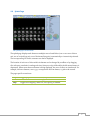
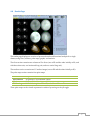
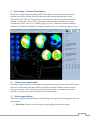
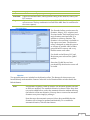
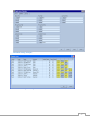
The application defaults editor is used to display, edit, reset and save the default application
launch configuration. This editor dialog consists of four tabbed panels: General, Automatch,
Themes, and Graphics.
16.1 Controls for Defaults Sets
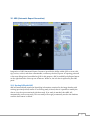
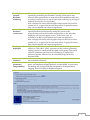
The top row of the Defaults dialog allows multiple sets of application defaults to be defined and
stored. The bottom OK and Cancel buttons are also described here. The following controls are
available:
Defaults
New
Reset
Reload
Save
Save As
Set As
Startup
Import
Export
Selects the current set of defaults.
Creates a new set of defaults based on factory settings.
Resets the current set of defaults to factory settings.
Reloads the current set of defaults from its last saved state.
Saves the current set of defaults.
Saves the current set of defaults under a new name.
Sets the current set of defaults to be loaded automatically upon application
startup.
Import a set of defaults from an previously-exported XML file located in the
file system.
Exports the current set of defaults to the file system.
56