1
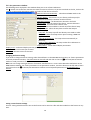
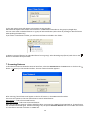
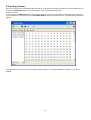
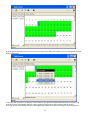
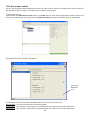
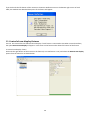
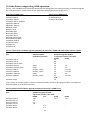
To collect parameters. 1.Select either the Collect Parameters option in the Tools menu or click with the right button of the mouse on the fixture (or a manufacturer icon) and select the Collect Parameters option from the menu list. The Collect Parameters window will appear. 2.Click with the right button of the mouse on the right panel of this window and the following list of items under Add New Parameter option will appear. Click on desired parameter and this one will appear in the right panel of the Collect Parameters window. By this way move desired parameters to the right panel of the Collect Parameters window. 17