1
MP3 files.
9.6 Internet Explorer
You may use the following methods to browse
websites. Tap Start > Programs > Internet Explorer
to activate Internet Explorer.
You may:
Synchronize your favorite URL links from your PC to
the device. These URL links are saved
in “My Favorite” in Internet Explorer in your
computer.
Connect to an Internet Server Provider (ISP) or
network, and browse websites. You can download
files and programs from the Internet or business
Intranet.
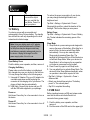
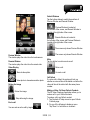
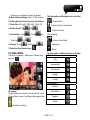
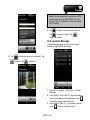
1. Tap
to view in full screen.
to display the wanted website, from
2. Tap
which find the wanted music and image to play.
3. Tap
to return to the previous file.
4. Tap
or
5. Tap
to skip to the next file.
1. Tap
or
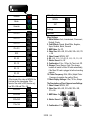
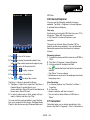
Browsing Internet:
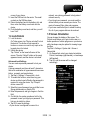
1. Connect this device with the Internet via GPRS or
Wi-Fi.
2. Tap Start > Programs > Internet Explorer
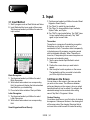
3. Input a website in the blank text field.
․Tap
beside the blank text field to browse the
website.
․Tap “Menu” for more options.
․Hold down on any area of the webpage to activate
the pop-up menu.
to play or pause.
to adjust the volume.
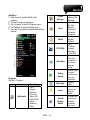
Tap Menu > Library to activate the library.
1. Tap Menu > Open File to open files. Tap Menu >
Update Library to update files in your
phone and files in Micro SD card to the libraries in
phone and in Micro SD card.
2. In order to play music or video, select a file you
want in Library, and then, tap “Play.”
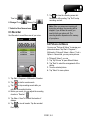
View Favorites:
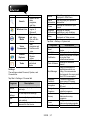
1. In Internet Explorer, tap “Favorites” or Menu >
Favorites.
2. In Favorites,
․Select a website, and then, browse it.
․You can add or delete folders or URL links in
“Menu”.
You may use the synchronization to copy the files
from your computer to this device. Windows Media
Player in this device can play Windows Media and
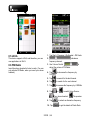
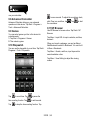
9.7 Calculator
Calculator helps you run simple operations in this
device. Tap Start > Programs > Tools > Calculator to
S1200│ 9-4